

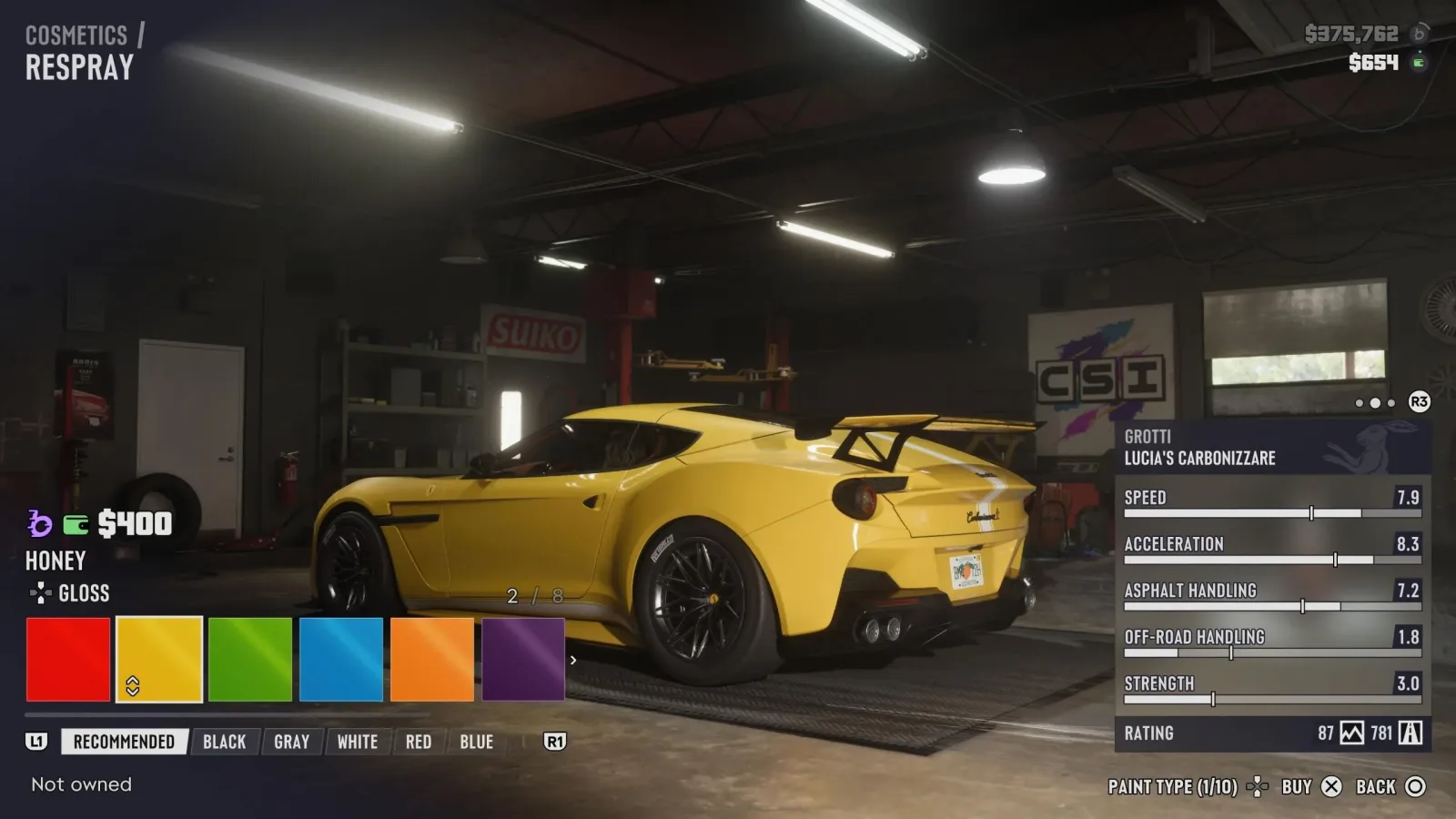
Knowing how to respray cars in GTA 6 is useful for far more than giving a favorite ride a new look. In Leonida, a fresh coat of paint can also help deal with Vehicle Heat--the attention a car has attracted after being seen during a crime or while escaping a crime scene. That makes resprays an important part of getting away clean, particularly when a stolen or recognizable vehicle has become tied to police activity.
There are two primary kinds of locations for changing a vehicle's appearance: Pay 'n' Spray garages and Mod Shops. Both cost money, so players will need funds available through their BuckMe online bank account. The two services have different purposes, however. Pay 'n' Spray is the practical stop for removing a car's heat, while Mod Shops are where players can pursue more detailed visual customization.
The key is understanding when each option is available and how to find the nearest garage quickly. A trip to the wrong place--or an attempt to enter while police still have a direct view of the vehicle--can turn a simple escape plan into a much more complicated pursuit.
How to remove Vehicle Heat in GTA 6
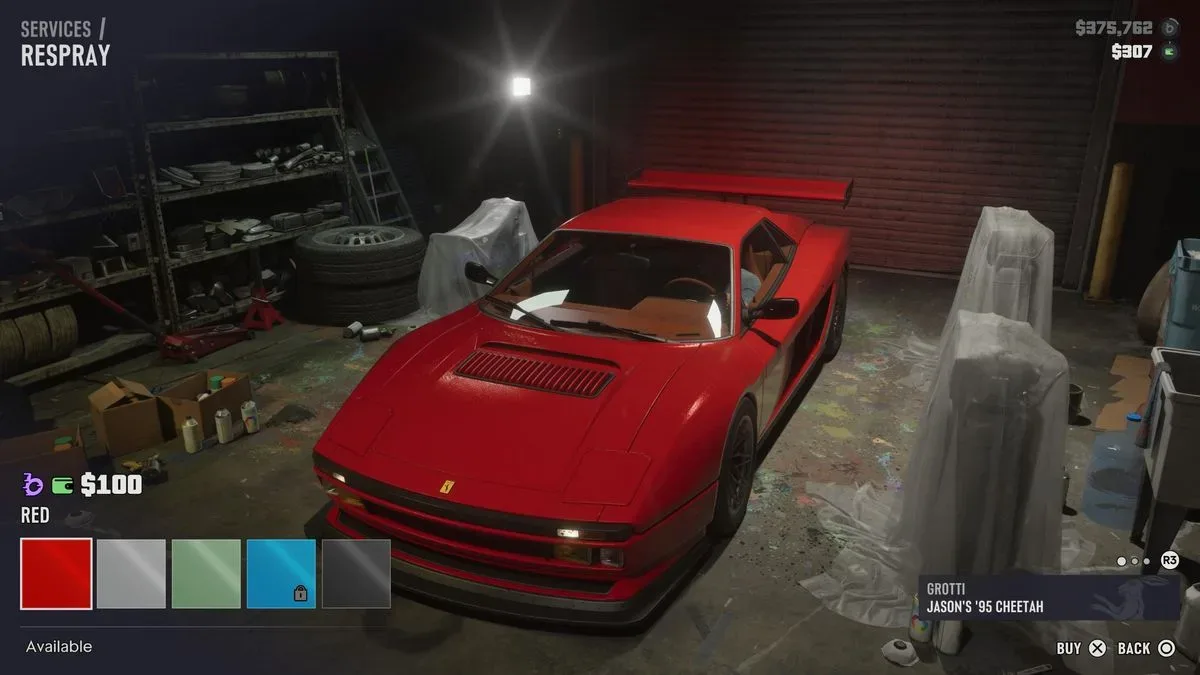
To clear Vehicle Heat, drive the affected vehicle into a Pay 'n' Spray location and pay for a respray. This removes the heat that vehicle has accumulated when law enforcement spotted it during criminal activity or while fleeing an incident. It is a direct way to make a car less identifiable after it has drawn police attention.
For useful background on this topic, read GTA 6 mission list: All Five Story Chapters and More Than 90 Main Missions.
Vehicle Heat is distinct from simply wanting a different paint color. The system matters when the car itself has been connected to what happened. If players have used a particular vehicle during a robbery, reckless escape, or another crime witnessed by police, changing its appearance at Pay 'n' Spray is the relevant step for shedding that association.
There is an important restriction: players cannot enter Pay 'n' Spray while the police have visual contact with them. The HUD indicates this situation through fully filled Wanted Stars. In practical terms, do not race straight to the garage while officers are still actively watching the vehicle. First break line of sight, create some distance, and then approach the shop once the immediate visual pursuit has been lost.
This makes route planning valuable. A nearby Pay 'n' Spray may be the ideal destination, but only if the player can reach it without continuing to be seen. Driving directly past police, leading them to the entrance, or trying to force entry during an active visual chase will not provide the quick reset players are looking for.
Finding the nearest Pay 'n' Spray
GTA 6's Index is the main tool for locating available vehicle services. To find a respray garage, open the Index and go to the Vehicles tab. From there, select Pay 'n' Spray. The menu lists vendors that have already been discovered, arranging them by the shortest driving distance.
Choose the desired location from that list to place a GPS marker on the minimap. This is especially useful during an escape, when searching manually through the world would waste valuable time. The distance-based list also helps players make a quick decision: the closest discovered garage may be the best choice when a vehicle needs its heat removed as soon as possible.
Only discovered vendors appear in the list, so exploration has a practical benefit beyond filling out the map. Finding more Pay 'n' Spray locations gives players more options across Leonida. A garage that is convenient from one side of the region may be far less useful on another, and having multiple known locations makes it easier to adapt when a pursuit heads in an unexpected direction.
Pay 'n' Spray escape checklist
- Make sure the vehicle is the one carrying Vehicle Heat.
- Lose direct police visual contact before attempting to enter.
- Open the Index and select the Vehicles tab.
- Choose Pay 'n' Spray to view discovered garages.
- Select a location to set a minimap GPS marker.
- Arrive with enough money available to pay for the respray.
Pay 'n' Spray is therefore the functional choice when the priority is losing a hot vehicle rather than building a particular style. It is an essential stop for players who want their getaway car to stop being a liability.
How Mod Shops work in GTA 6
Players looking for a broader range of paint and appearance options should visit a Mod Shop. These garages are geared toward cosmetic customization and can be located through the same Index system. Open the Index, navigate to the relevant vehicle options, and select Mod Shop to view the locations that have been found.
After entering a Mod Shop, use R1 on PlayStation or RB on Xbox to move to the Cosmetics tab. This is where the respray choices become more extensive. Players can browse different colors, styles, and palettes for their vehicle rather than relying solely on the straightforward heat-clearing service associated with Pay 'n' Spray.
Within the Cosmetics area, press Right on the D-pad to cycle through paint types. The available choices can vary from one Mod Shop to another, because individual locations may have their own specialties. That means a player who does not find a desired finish at one shop may want to check other Mod Shops rather than assuming the option is unavailable everywhere.
Mod Shops are not limited to paint. They also provide options for changing liveries, decals, and license plates. These additions make them the better destination for players treating a vehicle as a personal project, whether that means creating a coordinated look, applying a more distinctive graphic style, or simply changing smaller visual details to suit the car.
Look for the blue wrench icon
One of the most useful details in the Mod Shop listing is the blue wrench icon shown next to certain location names. This icon indicates that a particular Mod Shop specializes in the type of vehicle the player is currently using. A specialized location has exclusive items available to browse for that vehicle category.
Before committing cash at the first garage on the list, it is worth checking for this marker. A blue wrench can point players toward a shop with more relevant customization choices and potentially more unusual options than a general-purpose Mod Shop. For anyone trying to get a distinctive result rather than simply changing the base paint color, this is the icon to prioritize.
The specialization system also gives vehicle ownership and experimentation more weight. Different cars may lead players toward different Mod Shop destinations, and the most suitable garage can depend on what is currently parked in the bay. Checking the Index before setting a route is a simple way to avoid missing vehicle-specific cosmetics.
Pay 'n' Spray versus Mod Shop: which should you use?
The decision comes down to the immediate goal. Use Pay 'n' Spray when Vehicle Heat is the issue and the car needs to be disconnected from police attention. Use a Mod Shop when the objective is a more personalized build, with access to multiple paint treatments and additional cosmetic categories.
There can be overlap in the broad idea of changing a car's look, but the services should not be treated as interchangeable. Pay 'n' Spray is the crucial stop after being spotted during criminal activity. Mod Shops are the place to explore visual options, compare paint types, and alter liveries, decals, and plates. In either case, players should keep their BuckMe balance in mind before pulling into the garage.
A useful routine is to discover garages while freely exploring Leonida rather than waiting until a wanted escape makes the information urgent. Marking out several Pay 'n' Spray locations prepares players for Vehicle Heat situations, while noting Mod Shops--especially those with the blue wrench--helps when it is time to customize a personal vehicle.
Quick GTA 6 respray tips
- Use Pay 'n' Spray for Vehicle Heat: it removes the heat attached to a vehicle after police have seen it connected to a crime.
- Break visual contact first: fully filled Wanted Stars mean the police still have eyes on the player, preventing entry into Pay 'n' Spray.
- Use the Index instead of guessing: the Vehicles tab lists discovered Pay 'n' Spray garages by shortest drive.
- Set a GPS marker: selecting a vendor in the Index places the route on the minimap.
- Visit Mod Shops for style: use the Cosmetics tab for paint colors, palettes, paint types, liveries, decals, and plates.
- Check for the blue wrench: it identifies a Mod Shop with specialization in the current vehicle type and exclusive items.
Whether the aim is escaping the consequences of a messy job or making a personal vehicle stand out on Leonida's roads, GTA 6's respray options give cars a practical and cosmetic role. Pay 'n' Spray provides the vital reset when a vehicle has become too hot, while Mod Shops reward players who want to spend time refining every visible detail.
Community
Discussion
Start the conversation.
No comments have been posted yet.