

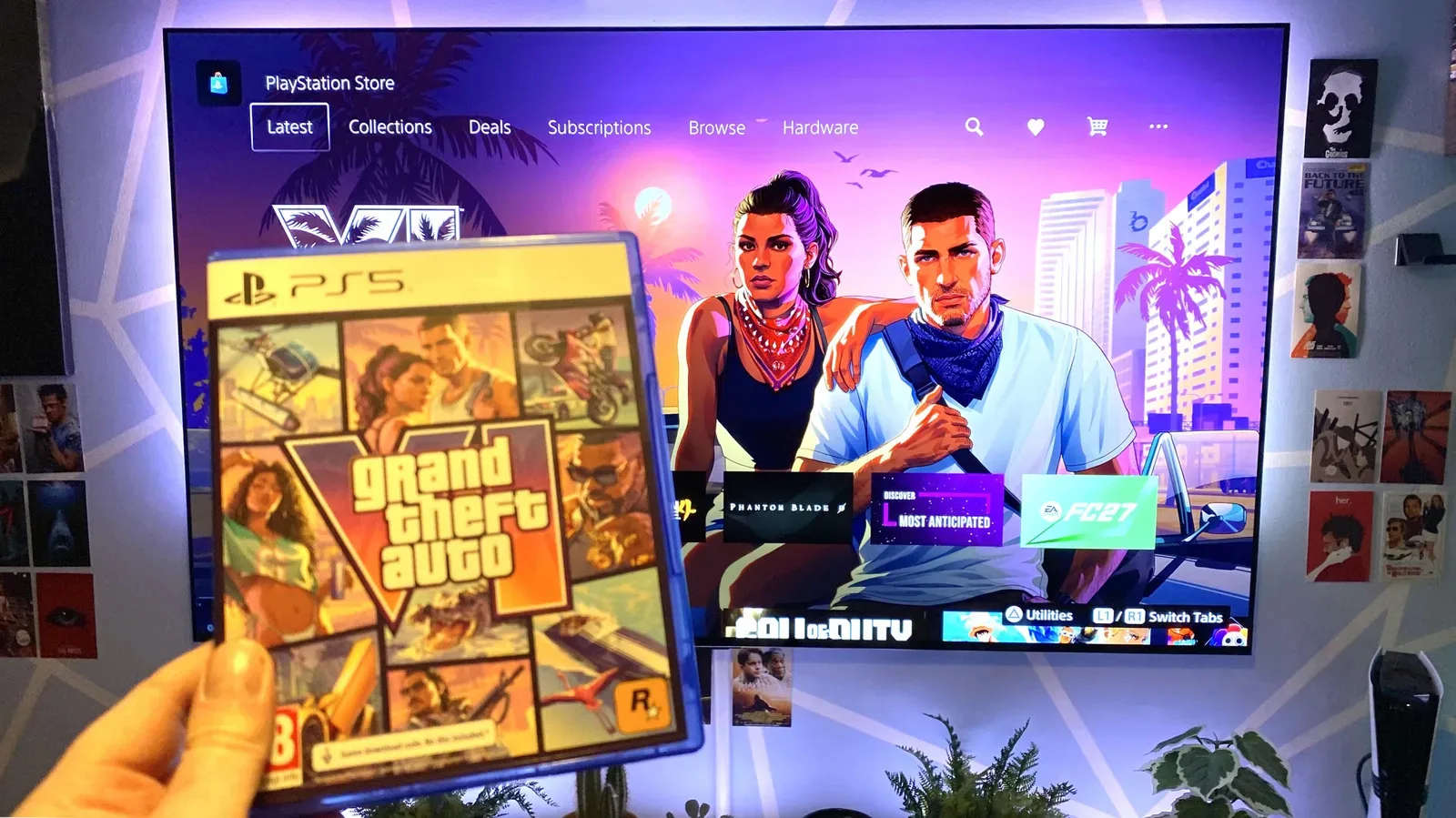
Grand Theft Auto VI is expected to be one of the largest console downloads of the current generation, with a reported official preload file size of 212GB. That number alone will have many players checking their storage space and broadband package well before they enter Leonida. The encouraging part is that players with solid modern broadband should not necessarily need to set aside an entire day just to get the game installed.
Actual results will vary dramatically. A player's advertised internet tier is only one piece of the equation. The speed reaching a PlayStation 5 or Xbox Series console can be constrained by the local network, Wi-Fi signal quality, other household activity and, perhaps most importantly during a major launch, the capacity of the digital storefront's servers.
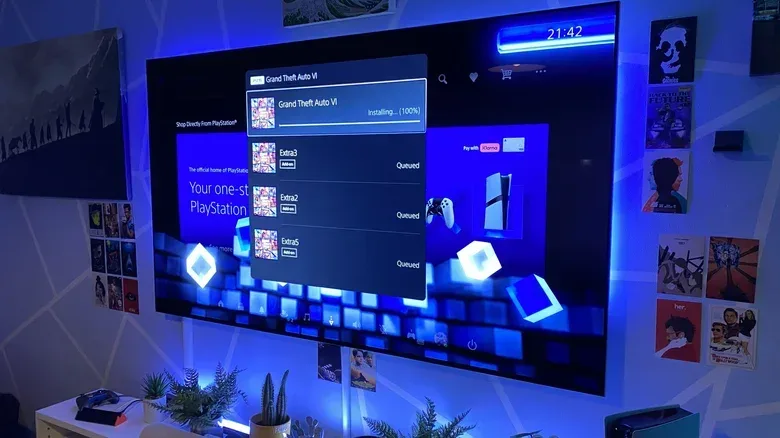
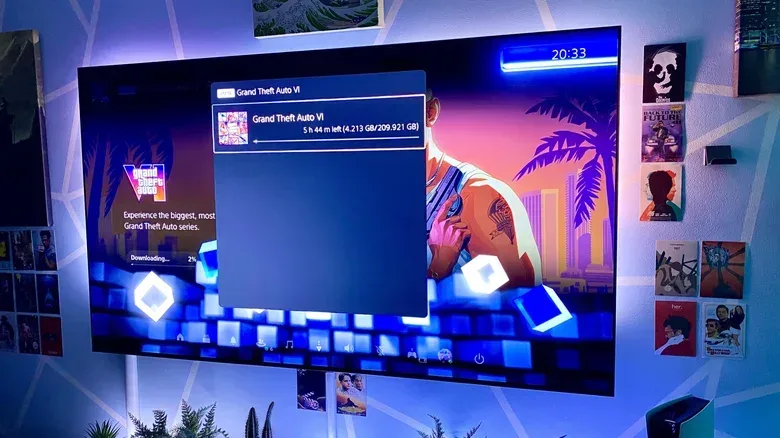
A real-world PS5 Pro test of the reported GTA 6 preload provides a useful illustration. On a wired connection that tested at approximately 568Mbps on the console, a download listed at 209.921GB completed in 63 minutes and 30 seconds. The same console, when switched to Wi-Fi, was observed downloading at 76.8Mbps, with an estimated wait approaching five hours and 44 minutes.
Those figures are not a guarantee for anyone else. They do, however, make one point exceptionally clear: how a console connects to the router may matter as much as the broadband service printed on the monthly bill.
For useful background on this topic, read GTA VI Retail Code Reports Raise Concerns Over Unopened Physical Copies.
Estimated GTA 6 download times at common broadband speeds
Taking a 212GB download as the working figure, it is possible to make broad estimates for how long GTA 6 may take to download under ideal conditions. Internet providers generally advertise speed in megabits per second, or Mbps, while game downloads are displayed in gigabytes. Because there are eight bits in a byte, the conversion matters when doing the math.
In reality, these are best treated as optimistic benchmarks rather than promises. Console storefronts may not deliver a steady maximum speed for the entire download, and home networks are rarely free of other traffic.
- 50Mbps: roughly 9 to 10 hours in ideal conditions.
- 100Mbps: roughly 4.5 to 5 hours.
- 143Mbps: roughly 3 hours and 56 minutes.
- 200Mbps: roughly 2 hours and 20 minutes.
- 314Mbps: roughly 90 minutes.
- 500Mbps: around 55 to 60 minutes.
- 1Gbps: theoretically under 30 minutes, though console and server limitations make that result unlikely for most players.
Broadband averages in the United States have been cited in a range of approximately 143Mbps to 314Mbps. If a console were able to maintain speeds near those levels, the GTA 6 download could take somewhere from roughly an hour and a half to just under four hours. That is substantial, but it is manageable for a preload scheduled several days before release.
The key caveat is that a household subscribed to a 1Gbps fiber plan should not assume a 212GB game will arrive in 25 minutes. The plan reflects the potential connection between the home and the internet; it does not ensure that every device, server and network hop in the path will deliver that full rate.
Why consoles rarely hit their advertised maximum speed
PlayStation 5, PS5 Pro, Xbox Series X and Xbox Series S all include 1Gbps Ethernet ports. That means their wired connection hardware is capable of very fast downloads, but it also establishes a ceiling below the multi-gigabit speeds increasingly offered by some fiber providers.
Even below that ceiling, reaching 1Gbps consistently is rare. Digital storefronts distribute enormous amounts of data to huge numbers of users at once. They must manage traffic across regional infrastructure, content delivery networks and countless simultaneous download requests. A console might briefly show an excellent result, then slow down, then recover again. That fluctuation does not automatically mean something is wrong with the player's router or console.
GTA 6 is an especially likely case for this problem. Its preload period is expected to attract a huge concentration of players attempting to retrieve the same enormous file within a limited window. That shared demand can place pressure on PlayStation and Xbox delivery systems, particularly around the moment preloading begins and again immediately before launch.
There may also be a difference between a network speed test and an actual store download. A console's connection test can offer a helpful snapshot of the connection's potential, but it cannot perfectly predict the speed available from the platform holder's servers at a specific hour. A test run at midnight on a quiet weekday may look considerably better than a GTA 6 preload on a busy evening.
Ethernet is the most reliable way to reduce the wait
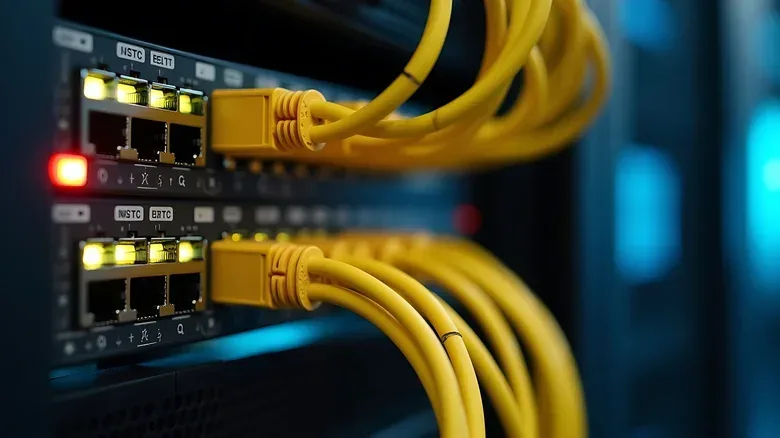
For players who want the best chance of downloading GTA 6 quickly, a wired Ethernet connection is the practical recommendation. It does not magically eliminate server congestion, but it removes several common bottlenecks found in wireless setups.
Ethernet gives the console a direct physical route to the router. It is stable, dedicated and unaffected by distance in the same way as Wi-Fi. Provided the cable and router ports are in good condition, a wired connection is generally much less susceptible to abrupt drops in speed, packet loss and interference.
The contrast can be significant. In the PS5 Pro example, the wired test reached about 568Mbps and finished the roughly 210GB installation in a little over an hour. The Wi-Fi download speed later measured 76.8Mbps, turning the expected wait into nearly six hours. Network conditions can change, so those results should not be read as a universal wired-versus-wireless ratio. Still, they show why an Ethernet cable can be one of the most useful pieces of launch-day preparation.
Not every player can easily run a cable across a home, of course. Consoles are often installed in a living room far from the main router, and a long visible cable is not an attractive option for every household. But anyone with a convenient route, an existing Ethernet wall port or a router close to the console should consider using it for the preload.
Why Wi-Fi can be slower, even on a fast broadband plan
Wi-Fi is convenient, but it relies on radio signals that must travel through rooms, furniture and walls. The farther a console sits from the router, the greater the possibility of weaker signal strength and reduced throughput. Physical obstructions can affect results, as can the construction materials used in a home.
Wireless traffic is also shared. Phones, tablets, laptops, smart TVs, streaming boxes, handheld devices and other consoles may all be competing for access to the same network. Nearby homes can introduce additional congestion, especially in apartments or densely populated areas where many routers are operating on overlapping wireless channels.
Modern Wi-Fi technology can be extremely fast under favorable conditions. In theory, a strong contemporary wireless network can exceed the 1Gbps Ethernet limitation of the current console ports. The issue is consistency. High theoretical throughput is not the same as dependable performance through several walls in a busy household, surrounded by other networks and devices.
Players who must use Wi-Fi can still improve their odds. Positioning the console and router with as little obstruction as possible is sensible. Avoiding large downloads or high-resolution streaming on other devices may help. Updating router firmware and using a less crowded wireless band, where available, can also make a difference. None of those steps can guarantee peak speeds from a platform server, but they can reduce avoidable local slowdowns.
Do not play another game while GTA 6 downloads
One of the simplest ways to avoid extending the wait is to leave the console alone while the download is underway. Running another game, particularly an online multiplayer title, can reduce the bandwidth available for the background download. It also gives the console another demanding task to manage at the same time.
That does not mean every app must be closed in every circumstance, but players eager to start GTA 6 at the earliest possible moment should avoid firing up a quick match in another online game while the preload is still progressing. Letting the console focus on the installation is the safer approach.
It is also worth checking that automatic updates for other games are not running in the background. A 212GB download is already a major demand on a connection and storage system. Stacking multiple updates on top of it can complicate the situation, especially on slower broadband.
How to check PlayStation and Xbox connection speeds
Console network tests cannot provide a definitive GTA 6 download forecast, but they are a useful starting point. On PS5, players can navigate to Settings > Network > Connection Status > Test Internet Connection. This will show an estimate of the console's current connection performance.
Xbox owners can find related options under Settings > General > Network settings. Checking the result before beginning a large preload can reveal obvious issues, such as a console accidentally using a weak Wi-Fi signal or connecting through a slower part of the home network.
Run a test, but keep expectations realistic. A strong reading confirms that the console is in a good position to download quickly. It does not compel PlayStation or Xbox servers to supply the full amount of bandwidth during a period of exceptional demand.
Prepare storage and start early
The best strategy for GTA 6 is uncomplicated: make sure there is enough free storage, use Ethernet if possible, avoid competing downloads and begin the preload as soon as it becomes available. With the reported official file size sitting at 212GB, leaving extra free space beyond the nominal download figure is prudent. Consoles may need room for installation processes, patches and future updates.
For players on average or better broadband, the download should be measured in hours rather than days. For households on slower connections, the preload window will be much more important. Starting early could be the difference between playing when access opens and waiting through launch day for the final portion of the file to arrive.
GTA 6's scale makes a large download unavoidable, but a large file does not have to derail a weekend. A little network preparation--and a cable, if practical--can make the road to Leonida considerably shorter.
Community
Discussion
Start the conversation.
No comments have been posted yet.