

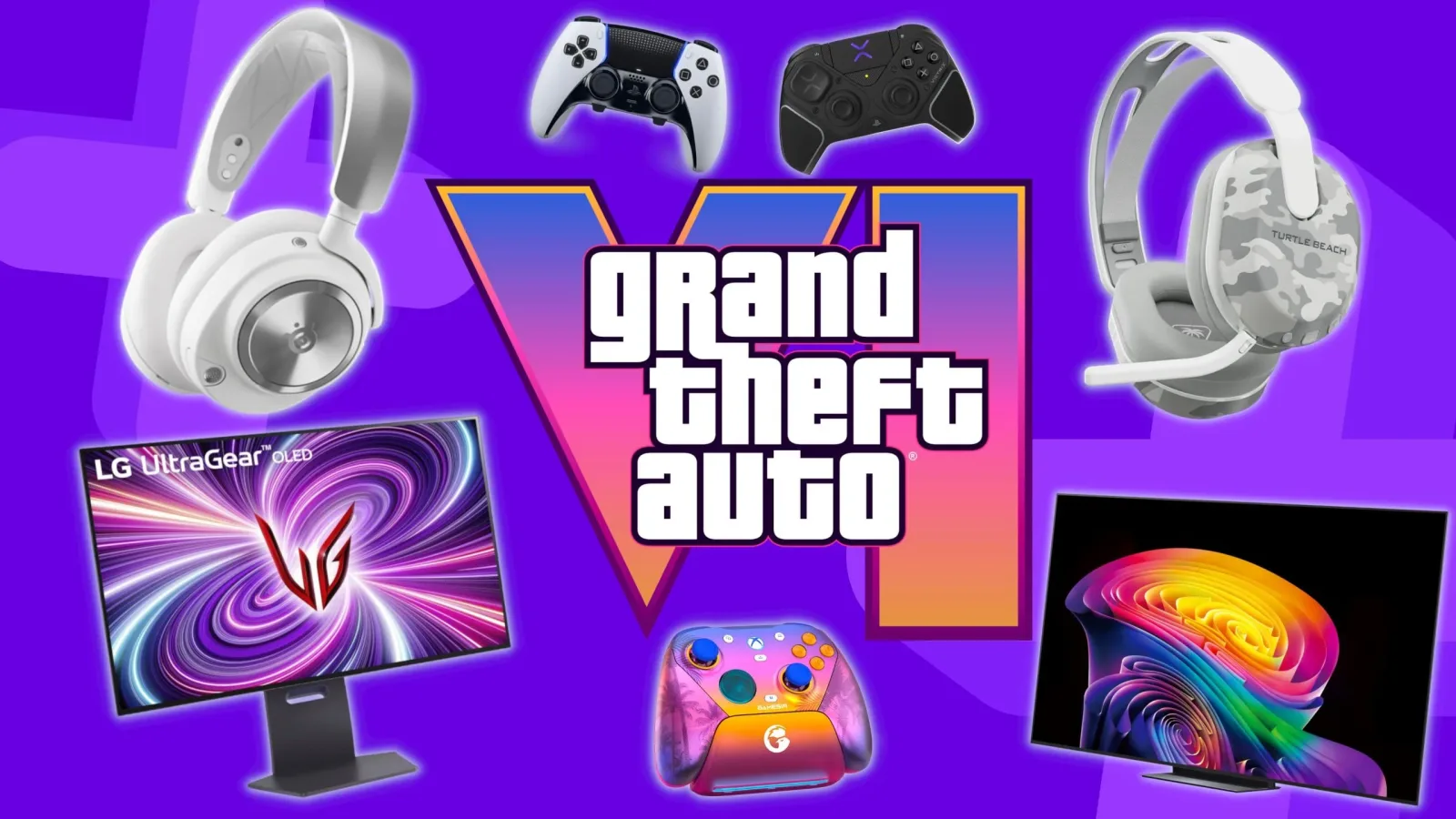
Grand Theft Auto 6 is approaching November 19, and the prospect of returning to Rockstar's open-world crime series has many players looking at the gear around their console as closely as the game itself. For PlayStation 5 and Xbox Series X owners, a major release is often the moment when an ageing headset, temperamental controller or undersized display suddenly becomes difficult to ignore.
That does not mean every player needs to rebuild an entire entertainment setup for a single game. A well-made game should still be enjoyable on a standard TV, with the controller and audio equipment already in the house. But GTA 6's scale, its Leonida setting and its anticipated emphasis on the atmosphere of a densely detailed world make it a particularly understandable excuse to improve the parts of a setup that shape day-to-day comfort.
The sensible approach is to focus on what will matter over dozens of hours rather than chase a theoretical "ultimate" setup. Image clarity, responsive control, intelligible audio and a display large enough for the space can each make a meaningful difference. The right balance will vary substantially between PS5 and Xbox Series X players, between living-room and desk setups, and between those returning to games after a break and those already equipped with premium hardware.
Start with the screen, not the shopping list
A display is likely to have the greatest influence on how GTA 6 feels moment to moment. It determines the size of the world in front of the player, how well darker scenes are handled, how convincing bright outdoor spaces appear, and whether fast driving remains easy to follow. It is also the component most likely to stay in use long after a single release has come and gone.
For useful background on this topic, read Kemi Badenoch Says GTA 6 Concerns Should Focus More on Screen Time Than Violence.
For players using a console from the sofa, a gaming TV is the natural first consideration. The most important practical point is choosing a screen size that fits the viewing distance. A giant television in a small room can be tiring to use, while a modest panel positioned too far away can make interface details and distant scenery harder to appreciate. The goal is a comfortable field of view, not simply the biggest number on a product page.
Console players should also think about responsiveness. A television's gaming mode can reduce input delay, making steering, aiming and quick menu navigation feel more immediate. This matters in a Grand Theft Auto game even outside competitive multiplayer: cars need to be controlled through busy streets, firearms encounters can escalate quickly, and a sluggish-feeling display can make otherwise ordinary actions less satisfying.
Desktop players may prefer a gaming monitor. A monitor can offer a closer, more focused experience, especially for someone playing at a desk or in a smaller bedroom setup. Its compact footprint may be more practical than replacing a television, and the closer viewing distance can make the density of an open world feel especially striking. On the other hand, a monitor is not automatically a superior choice. Players who want to relax across a room, share the screen with friends, or spend long sessions exploring may find a TV better suited to the game's pace.
Do not assume every feature will be used
It is easy to buy around a list of display technologies before knowing exactly how a game will implement them. Until the final technical details are available, buyers should avoid treating any particular resolution, frame-rate mode or advanced feature as guaranteed. A high-quality display remains useful because it improves the broader console library, but GTA 6-specific purchasing decisions should leave room for uncertainty.
That also means players with a perfectly functional TV should not feel pressured to replace it. Checking that the console is using its game-focused display settings, reducing room glare and sitting at an appropriate distance can improve an existing setup without adding another large expense. For many people, that is a better first step than a costly upgrade made in anticipation.
Controllers should be chosen for comfort and confidence
Controllers are the equipment players will physically use for every drive, on-foot chase and late-night detour in Leonida. Comfort therefore matters more than novelty. Grand Theft Auto sessions can be lengthy, and a controller that feels impressive in a ten-minute test can become heavy, awkward or fatiguing over a full evening.
PS5 owners have access to the standard DualSense experience, while Xbox Series X players have the standard Xbox wireless controller as the straightforward baseline. Both platforms also have alternative controllers aimed at different needs, including models with additional buttons, adjustable features or more premium construction. Those options can be worthwhile, but they are not compulsory for enjoying an open-world game.
Extra rear buttons or remappable inputs may appeal to players who want to keep their thumbs on the sticks while performing common actions. That can be useful during driving or combat, although it comes with a learning curve. The best controller is often the one a player can use instinctively, rather than the one with the longest feature list.
Battery habits deserve consideration as well. Nobody wants to interrupt a newly released game because a controller needs charging. Players who already know their controller's battery is fading should address that before launch, whether that means using a charging solution, keeping a cable within reach or choosing an alternative pad with a power arrangement they prefer. This is a small logistical detail, but it prevents a frustrating break at exactly the wrong time.
A strong GTA 6 setup does not have to be expensive. The useful upgrades are the ones that remove distractions between the player and the world Rockstar has built.
Headsets can change the feel of an open world
Audio is the other major pillar of immersion. Open-world games rely on more than soundtrack and gunfire: traffic, crowds, radio stations, weather, distant sirens and the changing character of different neighbourhoods all contribute to a sense of place. A capable gaming headset can make those layers easier to notice, particularly in a noisy home or during late-night sessions when television speakers are not an option.
Comfort should be the first filter when comparing headsets. Soft ear cushions, manageable clamping force and a stable fit are more important than marketing language if players expect to wear a headset for hours. Wireless convenience can also be valuable, but it is worth weighing against charging needs and platform compatibility. A headset that works seamlessly with the console in use is far more useful than one bought for a feature that is irrelevant to the player's setup.
For anyone who plans to play online with friends, microphone quality and ease of mute control matter too. GTA games have long been social spaces as well as solo adventures, and clear voice communication can make coordinated activities or casual conversations less cumbersome. Still, solo players should not pay extra for elaborate chat-focused features they will never touch. Good game audio and long-term comfort remain the central priorities.
Players who do not like headsets can instead improve the room's sound through the audio options already available to them. The key is clarity rather than overwhelming volume. A well-positioned sound system or even carefully adjusted TV audio can be preferable to an uncomfortable headset, particularly for those playing alone in a suitable space.
Build around the way you actually play
The most effective pre-launch plan begins with a candid look at the existing setup. If the current screen is too dim, too small or slow to respond, a display upgrade makes sense. If a controller has stick issues, weak battery life or poor ergonomics, it should come next. If household noise makes game audio hard to hear, a headset may offer the clearest improvement. There is no universal order, and there is no reason to replace hardware that is already serving its purpose.
- Living-room players: Prioritize a TV that suits the room, a comfortable couch-friendly controller arrangement and audio that does not disturb others.
- Desk players: Consider whether a monitor provides the right size and viewing distance, then focus on controller comfort and cable management.
- Returning players: Check console updates, storage space, controller charging and headset condition before spending on premium accessories.
- Value-focused players: Upgrade the weakest link only. A reliable controller or comfortable headset can be more noticeable than a full replacement setup.
It is also wise to leave budget aside for the basics that are easy to forget: adequate storage management, a dependable charging cable, a stable internet connection if online play is planned, and enough time to download or install the game when it arrives. These preparations lack the excitement of a new screen, but they can decide whether launch day is smooth or needlessly stressful.
A polished setup should serve Leonida, not overshadow it
GTA 6 will be the main event. The hardware around it should make the experience easier to enjoy, not turn preparation into a never-ending search for the most expensive peripheral. PS5 and Xbox Series X players have a broad range of options, from affordable practical replacements to high-end displays and controllers, and the right choice depends on comfort, room layout and personal habits.
With November 19 in view, now is a useful time to test the equipment already on hand. Play a demanding game, inspect the screen in both bright and dark scenes, wear the headset for a full session and make sure the controller still feels dependable. If something repeatedly pulls attention away from play, that is the clearest sign of where an upgrade will help. Everything else can wait until the roads, beaches and neon-lit corners of Leonida are finally ready to explore.
Community
Discussion
Start the conversation.
No comments have been posted yet.