

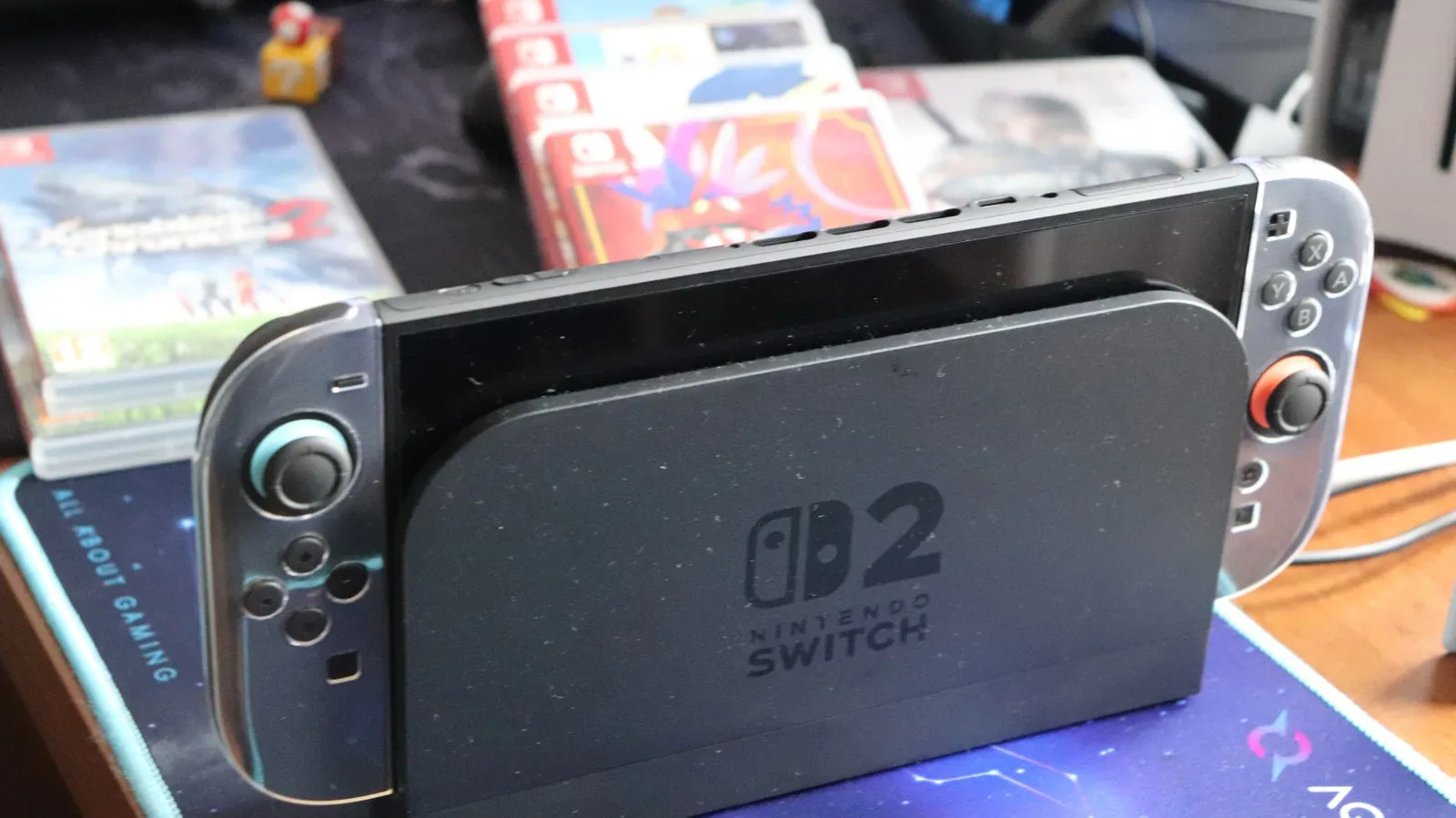
The Nintendo Switch 2 arrives with a substantially healthier storage situation than the original Nintendo Switch, but its built-in capacity still has limits in an era of increasingly large console games. The system includes 256GB of internal storage, with roughly 249GB available once the operating system and required software are accounted for. That is a generous starting point for a new console, particularly compared with the first Switch, yet it can disappear surprisingly quickly depending on the games in a player's library.
For anyone planning to buy major third-party releases digitally, install several large games at once, or regularly pick up downloadable content, expandable storage is likely to become an important part of Switch 2 ownership. There is one crucial catch: the console does not accept the standard microSD cards many existing Switch owners already have. It requires the newer microSD Express format for game storage.
That distinction affects both compatibility and cost. It also means that choosing a card is not simply a matter of grabbing the old card from an original Switch and moving it over. Before adding more space, Switch 2 owners should understand what the internal storage can realistically hold, why the new card standard is necessary, and which capacity makes sense for the kinds of games they actually play.
Switch 2 has more built-in storage, but game sizes have grown
A usable 249GB is enough to download a solid starter library. Players focused on compact indie releases, older Switch-compatible games, or a small rotation of multiplayer favorites may be able to rely on the internal storage for quite some time. Nintendo's own games are often efficiently sized as well, which can make the console's base capacity feel less restrictive at first.
For useful background on this topic, read Walmart's GTA 6 Pre-Order Listing Teases an Unknown "Surprise and Delight Bag".
However, modern high-budget games can make even 249GB look modest. Final Fantasy VII Remake Intergrade occupies 90.4GB, for example. Assassin's Creed Shadows requires 69GB, while Split Fiction comes in at 69.2GB. Resident Evil Requiem, at nearly 29GB, is smaller than those examples but still represents a notable slice of the available space.
Install a few games at that scale and there is little room left for patches, DLC, demos, screenshots, video captures and future purchases. A library containing Final Fantasy VII Remake Intergrade, Assassin's Creed Shadows and Split Fiction would consume well over 220GB before accounting for updates or any other downloaded software. Even players who primarily buy physical games should not assume they are insulated from the issue.
Physical games do not always eliminate storage concerns
Traditionally, physical Switch cartridges offered a simple storage advantage: much of the game could run from the card instead of taking up a large portion of internal memory. That benefit is less dependable with Switch 2 software. Physical editions can cost more than the equivalent first-party digital releases, and game updates or additional downloadable content still require storage on the system.
More importantly, some Switch 2 games are released on Game-Key Cards. These do not function as fully self-contained game cartridges. Instead, they act as a key that requires the buyer to download the game to the console. In practice, that means a physical purchase may still demand a large installation and consume the same internal or expandable space as a digital purchase.
None of this means every Switch 2 owner needs an expansion card immediately. Someone who plays mostly smaller games and keeps only a few titles installed can wait. Deleting and redownloading software is also an option for players with reliable internet connections and a willingness to manage their library. But those who want many games ready to play without ongoing storage housekeeping will find microSD Express storage much more convenient.
Only microSD Express cards work for Switch 2 game storage
The key compatibility rule is straightforward: Nintendo Switch 2 game data requires a microSD Express card. Ordinary microSD cards, including cards that worked perfectly in the original Nintendo Switch, cannot be used to store Switch 2 games or save data.
When shopping, buyers should specifically look for the word "Express" on the packaging or the "EX" symbol on the card. The format's name matters because branding can otherwise be misleading. SanDisk's "Extreme" label, for instance, is not the same thing as microSD Express. A card may be marketed as fast, premium or intended for gaming and still be incompatible if it is not explicitly a microSD Express model.
The old card from an original Switch is not entirely useless with the new hardware. It can be used to import screenshots and recorded video clips from the earlier console into the Switch 2's internal storage. Beyond that limited transfer function, though, it cannot serve as extra game storage for Switch 2. It also cannot hold Switch 2 save files.
For Switch 2 storage expansion, the important label is microSD Express--not merely microSD, and not a performance-oriented product name that sounds similar.
Save data remains on the console
One detail worth keeping in mind is that Switch 2 save data stays in the system's internal memory. It cannot be copied to or stored on a microSD Express card. The card is intended to expand space for software and related data, not to become a removable backup location for individual game saves.
That design also helps explain why swapping cards constantly is not an ideal long-term strategy. Nintendo recommends using a single card rather than spreading a software library across multiple cards. Games stored across several cards cannot later be merged together onto one card as a combined library. While it is possible to transfer the contents of one card to a larger card in the future, the hardware is not designed around regularly rotating several storage cards in and out of the console.
In other words, players should treat the first microSD Express purchase as an investment in a library rather than as a temporary cartridge-like accessory. Choosing enough capacity early can prevent the inconvenience of replacing a smaller card after only a few major downloads.
How much Switch 2 storage should you buy?
The best capacity depends much more on a player's habits than on the largest number available. A 128GB card may sound like a useful upgrade, but one large game can take more than half of that space. Installing Split Fiction, for example, would leave considerably less room than the headline capacity suggests once formatting and other software needs are considered.
A 256GB microSD Express card is a sensible middle ground for many Switch 2 owners. It effectively adds another console-sized pool of storage and creates room for a mixture of large releases, smaller games, updates and downloadable content. It is particularly practical for players who want to keep a few demanding games installed alongside a broad independent-game collection.
Higher capacities offer more flexibility for fully digital buyers, frequent purchasers of AAA games, and households where multiple people use one console. Switch 2 supports cards up to 2TB, although 1TB is currently the largest microSD Express capacity widely available for sale. The difference between supported capacity and readily purchasable capacity is important: planning around a 2TB option does not necessarily mean one can be easily bought today.
- 128GB: Best suited to lighter libraries, smaller games and players comfortable deleting software.
- 256GB: A balanced choice for many owners, providing meaningful room beyond the internal storage.
- 512GB or 1TB: Better for digital-first libraries, frequent large downloads and players who prefer to keep many games installed.
Price and performance are not the same priority
microSD Express cards are more expensive than conventional microSD cards, and current memory-market conditions make the larger capacities especially costly. A 256GB option can cost around $60, while a 1TB card can run into several hundred dollars. That makes it especially important to buy based on realistic needs rather than reflexively choosing the biggest capacity available.
The encouraging news is that performance differences between cards from established brands such as SanDisk, Lexar and Samsung are minimal for the purpose most Switch 2 owners care about: keeping more games installed. The primary benefit of buying a card is capacity, not an expectation that every model will surpass the console's internal storage in loading performance.
That shifts the buying decision toward reliability, confirmed microSD Express compatibility, warranty considerations and price per gigabyte. A well-priced card from a recognized manufacturer is generally more useful than paying a premium for tiny theoretical speed differences. Buyers should also be wary of listings with unclear specifications or unusually low prices, because a standard microSD card cannot substitute for the required format.
The practical case for expanding early
Switch 2's internal 256GB gives the system a far better start than the original Switch ever had. For many people, that is enough to enjoy the console immediately without another purchase. But the combination of large modern game installs, ongoing updates, DLC and Game-Key Card downloads means the built-in space is best viewed as a foundation rather than an unlimited library.
A microSD Express card is not mandatory for every owner on day one. It becomes increasingly worthwhile for players who buy digital games, favor blockbuster releases, or simply dislike deciding which installed game has to be removed before downloading the next one. Starting with 256GB of additional space offers a practical buffer for most libraries, while 512GB and 1TB make more sense for those building a long-term digital collection.
Most importantly, Switch 2 owners should not assume an existing Switch card will carry over. Confirm the microSD Express name and EX marking, choose capacity based on the games likely to be installed, and plan to use one card as the consistent home for the console's expanded software library.
Community
Discussion
Start the conversation.
No comments have been posted yet.