

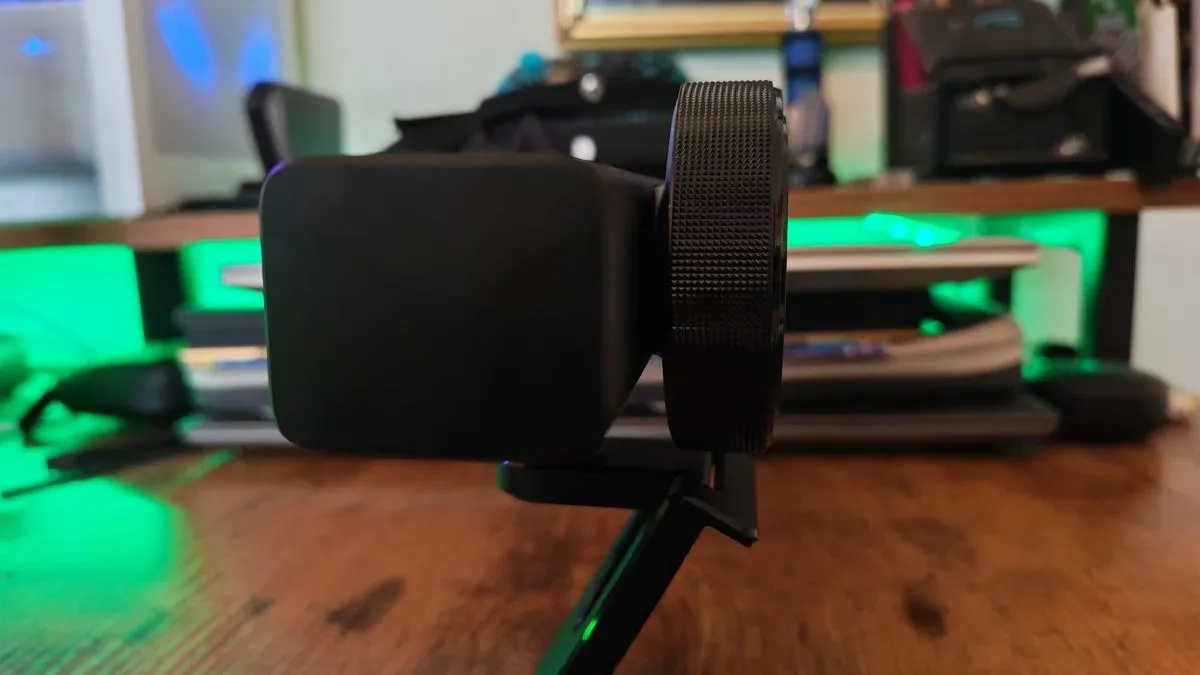
Razer's Kiyo V2 Pro arrives with the kind of specification sheet that should make it a natural choice for streamers, video creators, and anyone trying to improve a gaming setup. It costs $299/£299, records at 4K up to 60 frames per second, adds a wider lens, and promises modern AI-enhanced framing and image tools. Yet the result is a frustrating webcam whose most attractive features are undermined by weaker hardware and an overreliance on software.
Released into a webcam market increasingly focused on AI processing, the Kiyo V2 Pro tries to bridge the gap between compact USB cameras and dedicated cameras. That is an understandable goal. A webcam has limited space for a large sensor and sophisticated optics, so software can be useful for exposure tuning, noise reduction, background handling, and subject tracking. The issue here is that the Kiyo V2 Pro leans on that software to compensate for image shortcomings that the previous Kiyo Pro Ultra avoided through stronger camera hardware.
The outcome is a $299 webcam that is merely acceptable on its own, but particularly difficult to justify beside its predecessor. The Kiyo Pro Ultra remains the more convincing option for creators who prioritize clean detail, natural lighting, and reliable out-of-the-box results.
Design: bigger compromises in a familiar webcam shape
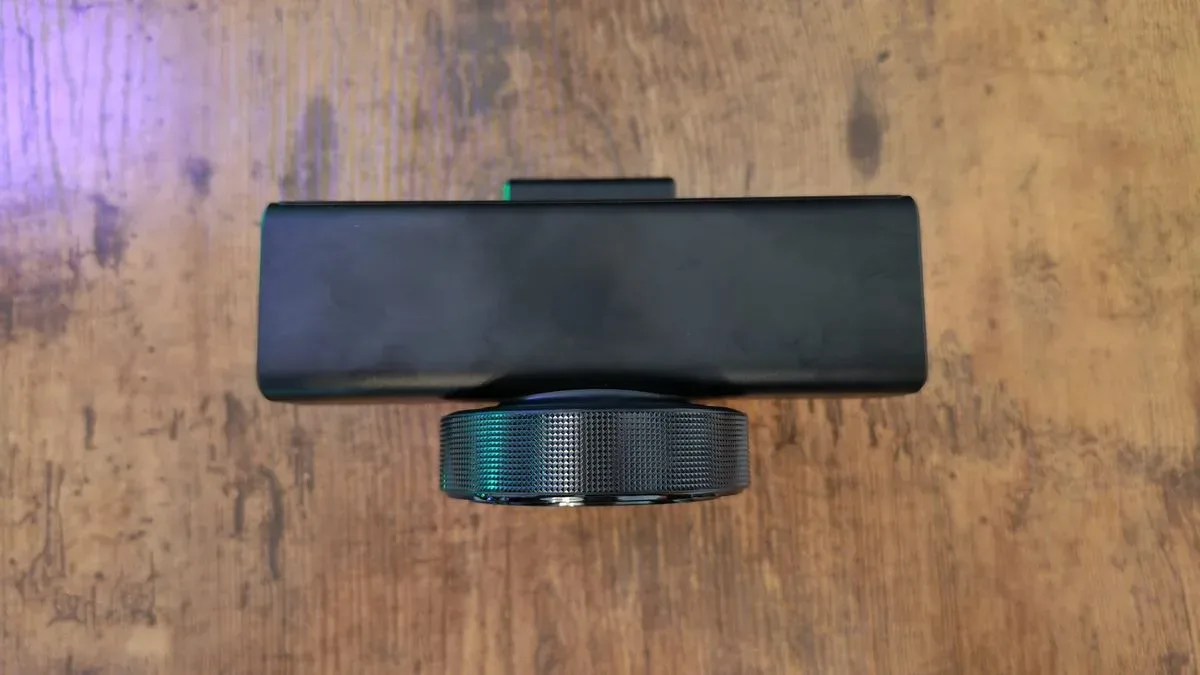
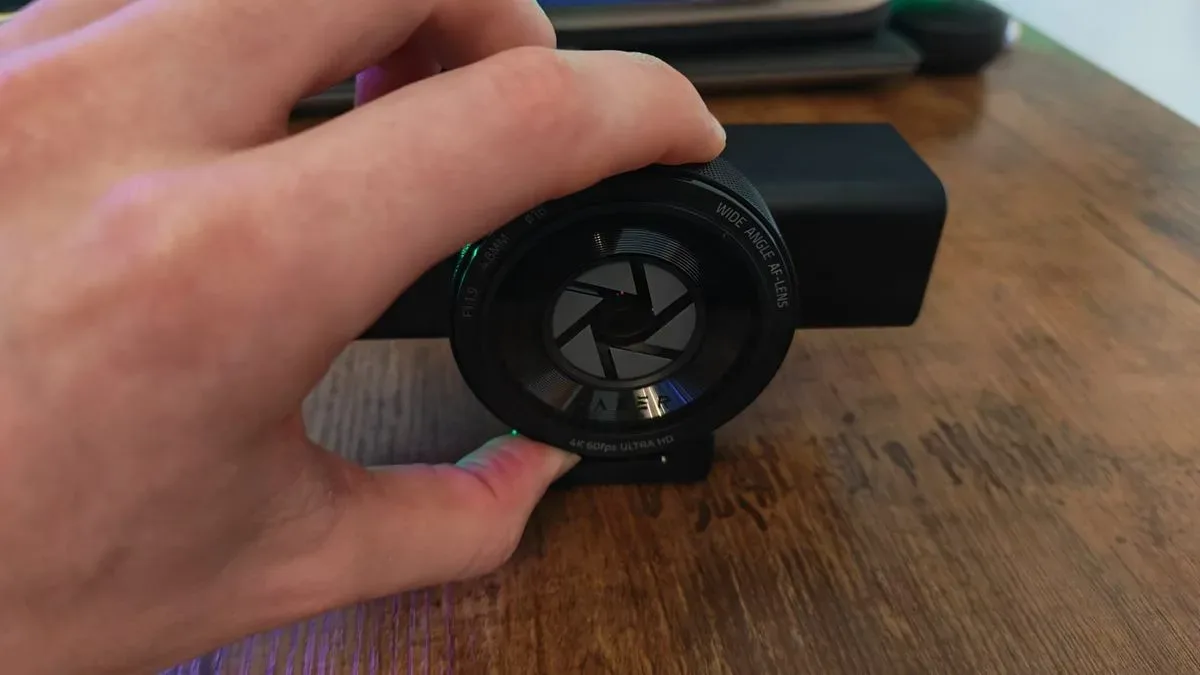
Razer has redesigned the Kiyo line around a more common modern webcam form factor: a circular lens assembly at the front with a broad, substantial body extending around it. The Kiyo V2 Pro is not small in practical terms. At 380 grams, it is even heavier than the 348-gram Kiyo Pro Ultra, despite using a smaller sensor.
For useful background on this topic, read Street Fighter II Amiga Enhancement Project Aims for Faster, More Arcade-Like Fights.
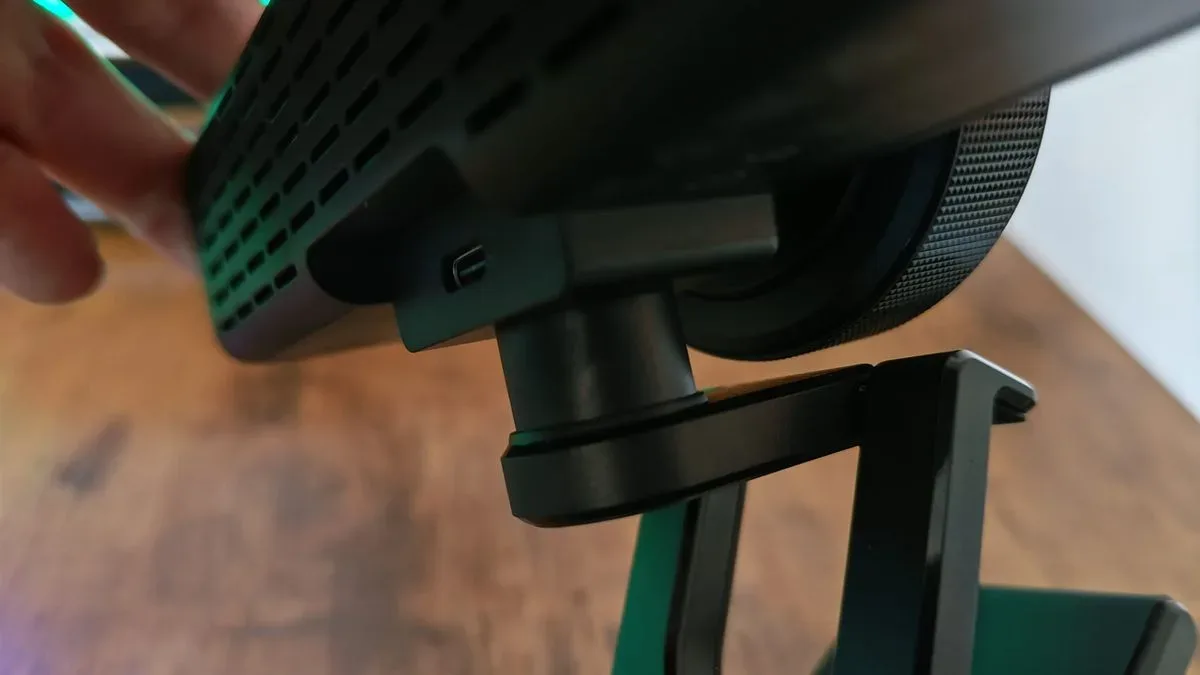
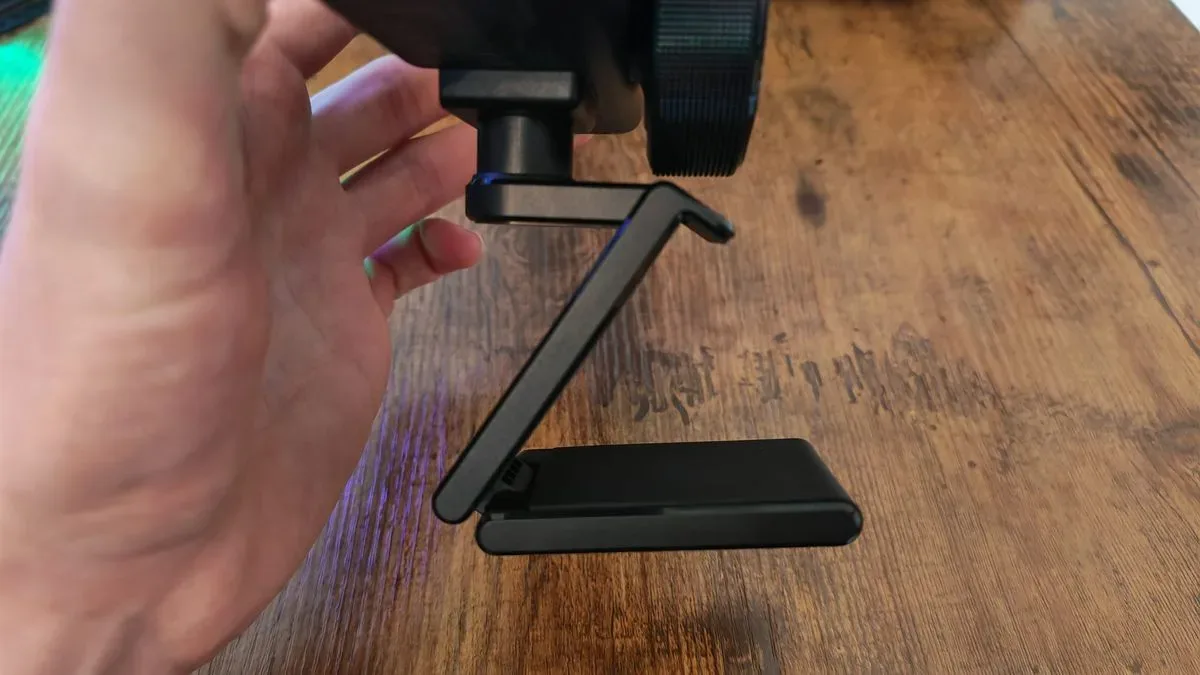
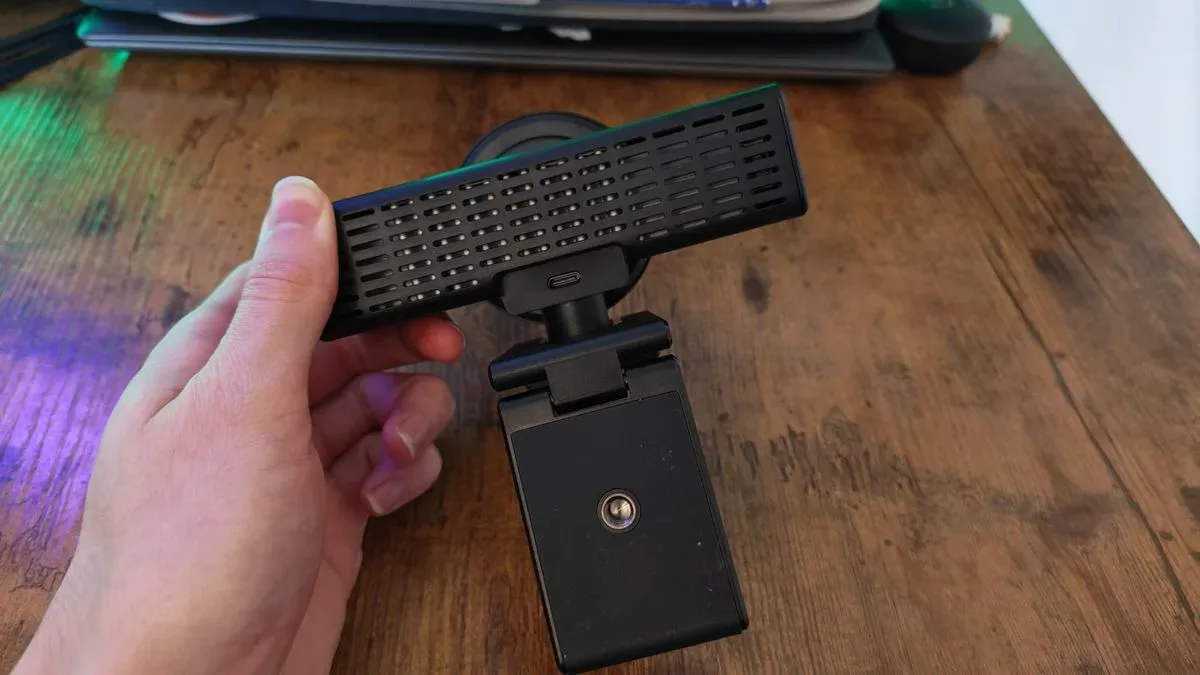
That weight becomes important because the included crocodile-clip-style mount does not inspire much confidence. It is intended primarily for the top of a monitor or laptop, but its hinges struggle to hold the camera securely in more ambitious positions. When the webcam is tilted backward, its rear-heavy construction can cause it to fall out of position. For creators who repeatedly adjust their camera angle, framing, or desk arrangement, that is a needless point of friction.
The stand is also fixed in place rather than removable. That makes the Kiyo V2 Pro less flexible for setups involving tripods, teleprompters, or other accessories. The earlier Kiyo Pro Ultra was hardly a discreet webcam, but its design was easier to adapt to a more professional recording environment. The newer model's broad shape additionally consumes more room across the top of a display or between equipment on an already crowded gaming desk.
There is one welcome carryover: a built-in privacy shutter that closes when the lens is twisted. It is a useful physical safeguard and preferable to trusting a software setting. However, the external lens cap included with the older model is gone, removing an extra layer of protection for the lens when the camera is being transported or stored. The recording light has also shifted to the side of the body, where it is less convenient as a visual reference in a teleprompter-based setup.
Hardware takes a step back
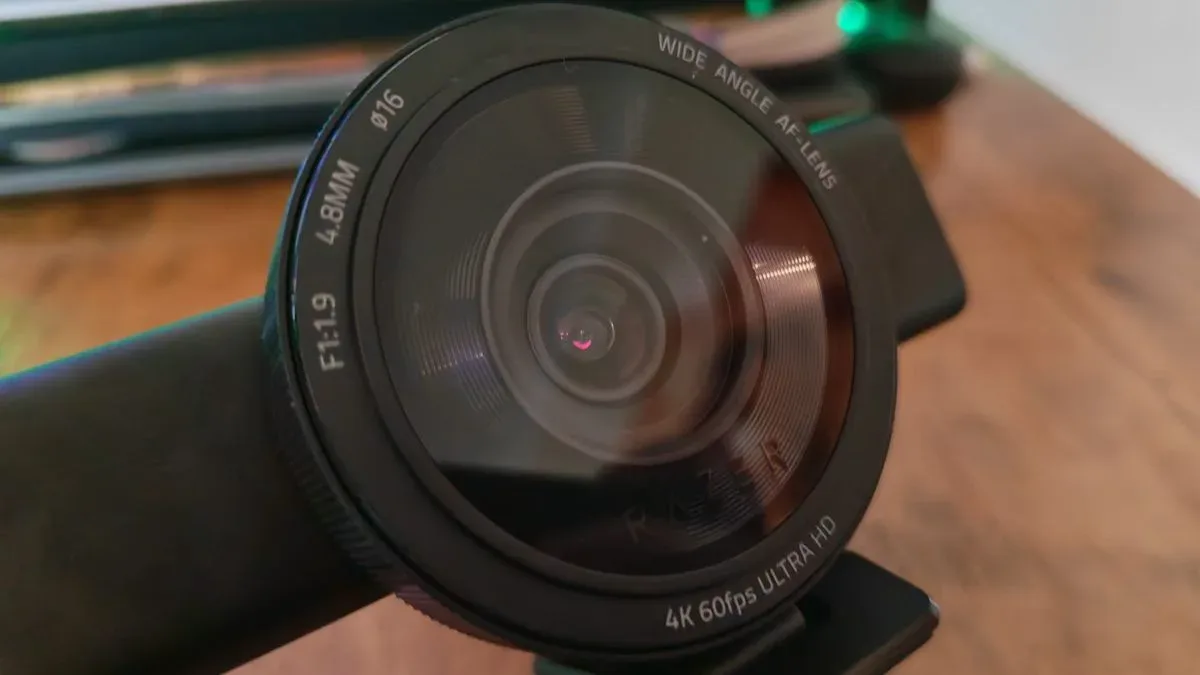
The most important change is not the webcam's shell but its imaging hardware. The Kiyo Pro Ultra used a Sony Starvis 1/1.2-inch sensor and an f/1.7 aperture. The Kiyo V2 Pro moves to a smaller 1/1.8-inch sensor with an f/1.9 aperture. The new webcam does offer a wider 86-degree field of view, compared with 82 degrees on the earlier model, but wider framing does not equal stronger image quality.
A larger sensor and wider aperture give the Kiyo Pro Ultra a meaningful advantage in the amount of light it can capture. That advantage is especially visible in the kind of environment many gaming creators actually use: a darker room, a key light on the presenter, and colorful LEDs or displays in the background. The Kiyo V2 Pro can struggle to preserve that balance, either overexposing the subject or failing to reproduce rich background colors.
On paper, the newer webcam's UHDR support should provide an edge over the older model's HDR support. In practice, it does not consistently produce a more vivid or more refined image. Colors can look flatter than expected, while the level of clarity does not meet the standard set by the Kiyo Pro Ultra. This is a crucial problem at the premium end of the webcam market. Buyers should not have to assume that future patches will unlock the quality that expensive hardware should already deliver.
4K60 comes with software strings attached
The Kiyo V2 Pro's headline upgrade is 4K recording at 60fps. That is a real advantage for creators who want smoother footage than 4K30 can provide, especially when recording gameplay commentary, demonstrations, or fast-moving presentations. But getting convincing results is not as straightforward as connecting the webcam and selecting 4K.
Razer Synapse supplies the expected controls for autofocus, exposure, low-light compensation, HDR, shutter protection, noise reduction, and image presets. It is a reasonable place to make basic adjustments. The complication is that the Kiyo V2 Pro is also closely tied to Camo Studio. A lifetime Camo Studio Pro license is included, but it feels less like a generous bonus and more like a necessary part of the product.
Camo Studio handles the webcam's AI-assisted pan, tilt, and zoom functions. There is no physical gimbal here, unlike dedicated PTZ cameras. Instead, the Kiyo V2 Pro crops and shifts its wide image digitally to follow the subject. The effect can work adequately for keeping a face centered in a shot, but it does not offer the convincing movement or versatility of a camera that physically pans, tilts, and zooms.
More concerning is the apparent dependence on both applications for the camera to deliver its best 4K image. Without the companion software, 4K recordings can look surprisingly soft, almost as though a 1080p image has been enlarged. With Camo Studio enabled, detail improves, but the image can gain noticeable visual noise, distortion, and blur whenever there is movement in front of the lens. The AI processing does not always keep pace with the 4K60 promise.
Attempts to disable Dynamic Noise Reduction can introduce a more severe issue, with the webcam failing to produce an image in applications. Software dependencies also risk compatibility trouble elsewhere in a PC setup. In one comparison scenario, Camo Studio interfered with the older Kiyo Pro Ultra's access to full 4K capture until the application was removed. This is exactly why creator hardware benefits from doing as much as possible in hardware rather than treating multiple background utilities as essential equipment.
Performance: a sharper focus, but not a sharper picture
The Kiyo V2 Pro is not without improvements. Its autofocus responds more quickly than the Kiyo Pro Ultra's, addressing one of the older webcam's more noticeable weaknesses. The 86-degree view gives creators more room to frame themselves, include a co-host, or show more of a desk setup. For bright, controlled environments and users who do not mind spending time in software menus, it can produce serviceable footage.
However, those positives cannot overcome the central comparison. The Kiyo Pro Ultra's larger sensor produces cleaner, sharper, and more naturally balanced footage with less need for intervention. The Kiyo V2 Pro requires more adjustment to reach a satisfactory look, then risks introducing AI artifacts that compromise the result. Faster autofocus is valuable, but it is not enough to offset weaker low-light performance, flatter color, and less dependable detail.
Who should buy the Razer Kiyo V2 Pro?
The Kiyo V2 Pro may suit a Razer-focused creator who specifically wants 4K60 capture, a wide field of view, and bundled access to Camo Studio Pro. It may also appeal to users whose recording environment is consistently bright and controlled, and who are comfortable relying on software to tune a camera feed.
It is a less compelling recommendation for creators who expect excellent image quality immediately after setup, record in moody gaming rooms, use teleprompters or alternative mounts, or want their camera to remain dependable without several applications running. Those buyers should seek out the Kiyo Pro Ultra if it is available at a sensible price. Creators who need greater control over aperture, image character, and professional-level 4K60 footage may be better served by stepping up to a dedicated camera solution.
Final takeaway
The Razer Kiyo V2 Pro illustrates the limits of treating AI as a substitute for stronger optics and sensor hardware. It has a few worthwhile upgrades, most notably 4K60 capture, quicker autofocus, and wider framing. But its awkward design, less capable sensor, software complications, and artifact-prone image processing make it a disappointing successor. At $299/£299, there are too many compromises for a premium webcam, particularly when the older Kiyo Pro Ultra delivers a more convincing image with far less effort.
Community
Discussion
Start the conversation.
No comments have been posted yet.