

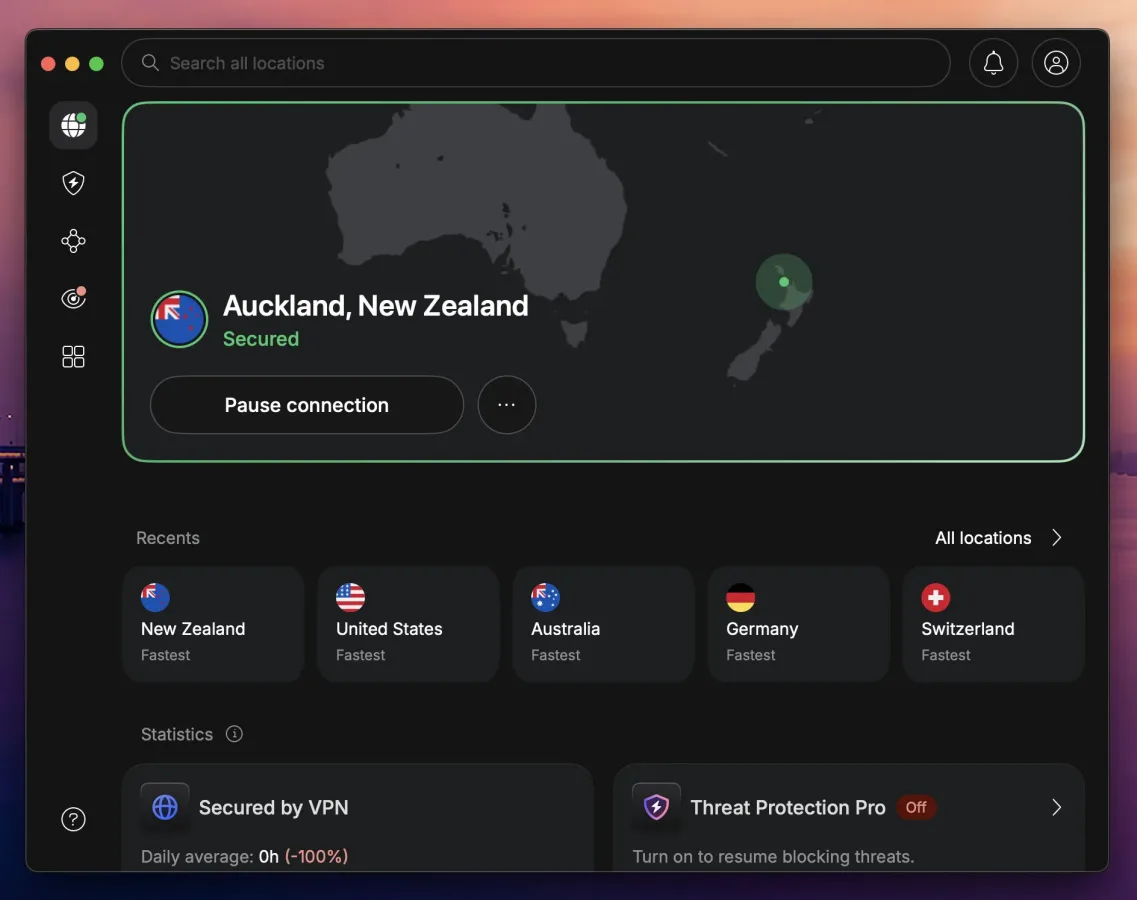
A gaming VPN is not a magic way to turn a slow connection into a tournament-ready one. It cannot shorten the physical distance between a player and a game's data center, and in normal conditions it will add at least a small amount of latency. What it can do is keep that extra delay low, obscure a player's home IP address, and potentially avoid traffic shaping by an internet provider.
That combination makes a VPN relevant to more players than just those trying to access a different regional server. In peer-to-peer games especially, exposing a home IP can leave players vulnerable to DDoS attacks. A properly configured VPN puts the provider's address in front of other users instead. For households with multiple PCs, consoles, handhelds, and phones, it can also offer a more consistent privacy setup across the network.
Four services stand out for different reasons: NordVPN as the broad all-around choice, Proton VPN for privacy-minded users and server hosts, ExpressVPN for simple setup and restrictive networks, and Surfshark for homes with a large number of devices. None of them should be expected to lower ping by themselves, but each is designed to keep the added overhead modest when connected to a suitable server.
What a VPN changes while gaming
Normally, a game connection runs from a player's device through their internet provider and onward to the game server or other players. With a VPN enabled, traffic first travels through an encrypted VPN server. The game and other people in a lobby see that server's IP address rather than the player's own public address.
For useful background on this topic, read Anthropic Updates Claude Opus Rules to Reject Specific Game Clones.
The security advantage is clearest in games that establish direct connections between users. If a hostile player obtains someone's IP address, they may attempt to overwhelm that connection with traffic. A VPN does not make online attacks disappear, but it means the target presented to other players is the VPN provider's infrastructure rather than a home connection. Reputable services are better positioned to absorb that traffic than an individual residential line.
A VPN can also conceal the type of traffic passing through an internet provider's network. If a provider is selectively slowing game traffic, using a VPN may help because the provider cannot as easily identify the specific activity. That is an exception, however, not the standard result. In most cases, routing through an additional server introduces a few extra milliseconds of latency.
For the best result, players should choose a VPN location near the game's servers, not simply one near their home. A player in Europe joining friends on a North American server, for example, needs to consider the route to the North American data center. The direct route will always matter more than a VPN brand's marketing promises.
NordVPN: Best overall for gaming
NordVPN is the strongest general recommendation for players who want a gaming VPN that stays out of the way. Its nearby-server performance is positioned to add very little noticeable latency, while its results on more distant connections are particularly competitive. That matters to people routinely playing with friends or communities on another continent, where every additional stop in the route becomes more important.
The service uses NordLynx, its WireGuard-based protocol, by default. WireGuard-derived protocols are generally preferable for gaming over older OpenVPN connections because they are designed to establish connections efficiently and usually introduce less overhead. Download performance is also an important consideration for modern gaming, where a single installation or patch can easily exceed 100 GB, and NordVPN is intended to limit the speed loss associated with the encrypted tunnel.
Its gaming-oriented extras include a kill switch, split tunneling, Threat Protection Pro, and Meshnet. The kill switch is worth enabling: if the VPN connection fails during a match, it prevents the device from briefly reconnecting through the normal connection and exposing the player's real IP. Split tunneling can keep a game inside the VPN while allowing a launcher or other application to bypass it.
Meshnet has a particularly interesting use for older multiplayer titles. It can connect up to 60 devices into an encrypted virtual network, allowing games that only support local-area multiplayer to treat friends in different homes as if they were on the same LAN. This can avoid the more complicated process of opening ports on a router.
NordVPN supports consoles through a compatible VPN router or its Smart DNS option. Smart DNS can alter the region a console sees, but it does not encrypt traffic or conceal the home IP, so it is not a substitute for VPN-based DDoS protection. One subscription covers 10 devices. The Basic plan is listed from $3.49 per month with a 30-day money-back guarantee, although the renewal price after the introductory term is higher.
Proton VPN: Best for hosting and privacy
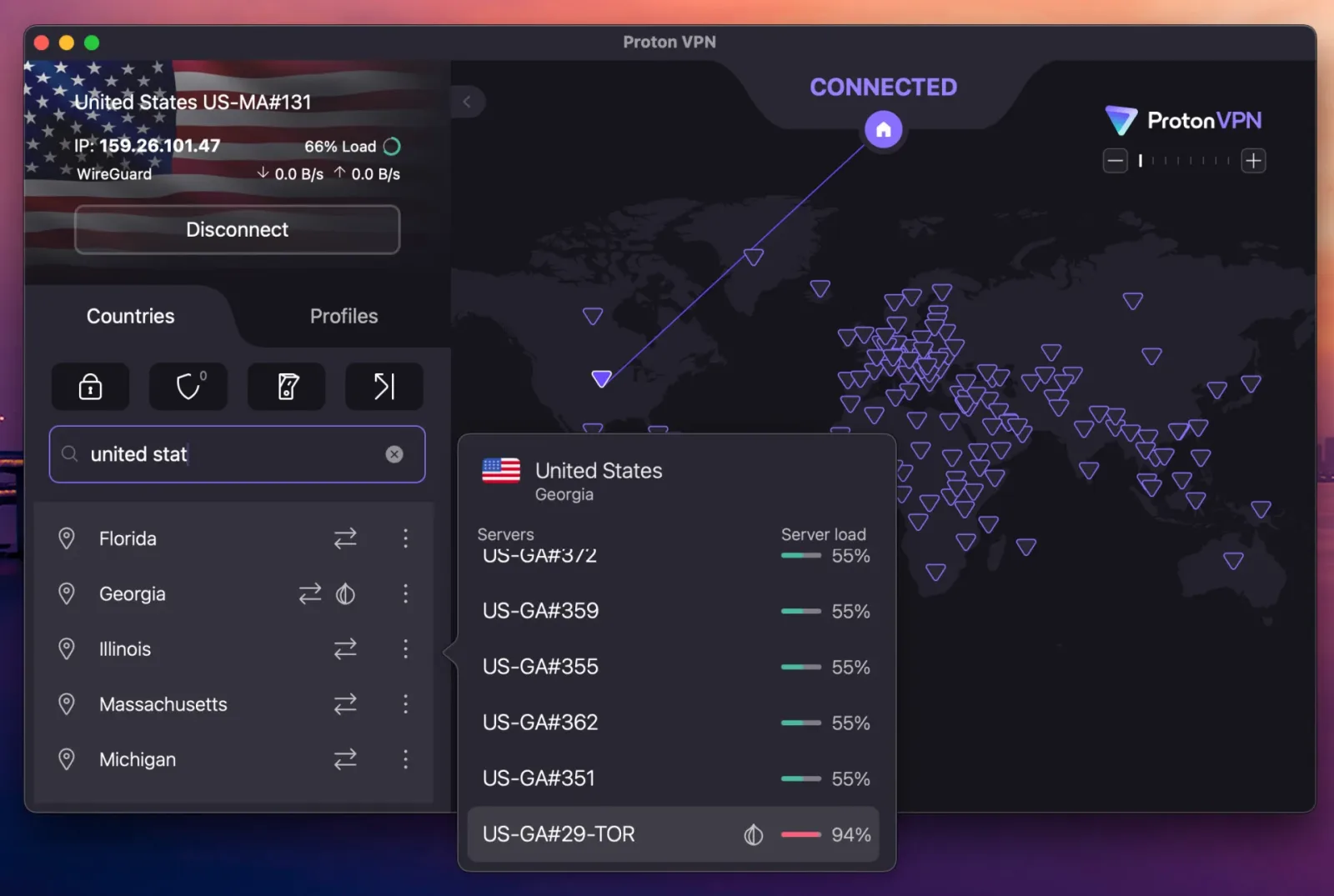
Proton VPN is the standout option for gamers who host their own servers. It offers port forwarding on its P2P servers, a feature that can be essential when running a Minecraft or Valheim world for friends while remaining connected to a VPN. Without a forwarded port, incoming players may be unable to reach the host machine.
Port forwarding can be enabled in the app, avoiding the need to make router changes. That alone gives Proton VPN a meaningful niche, since hosting and VPN privacy do not always work together smoothly. It also offers Profiles, which let users save combinations of server locations and protocols. For players who regularly switch among regional game servers, this is more convenient than repeatedly searching through a long country list.
Privacy remains one of Proton VPN's central appeals. The company is based in Switzerland, its applications are open source, and its NetShield feature blocks ads and malicious sites. The latter can be useful for players downloading mods, maps, or community tools, though it should never replace normal caution when installing files from unfamiliar places.
Its free plan is unusually viable compared with most free VPN offerings. There is no data cap and no advertising, which removes two common issues that make free services impractical for gaming. There is still an important limitation: the free tier selects the country for the user, so players cannot consistently choose a route near a particular game server. The paid plan is listed at $2.99 per month and supports 10 devices. Proton VPN does not offer Smart DNS, meaning console users will need a VPN router or a PC sharing its VPN connection.
ExpressVPN: Best for straightforward setup
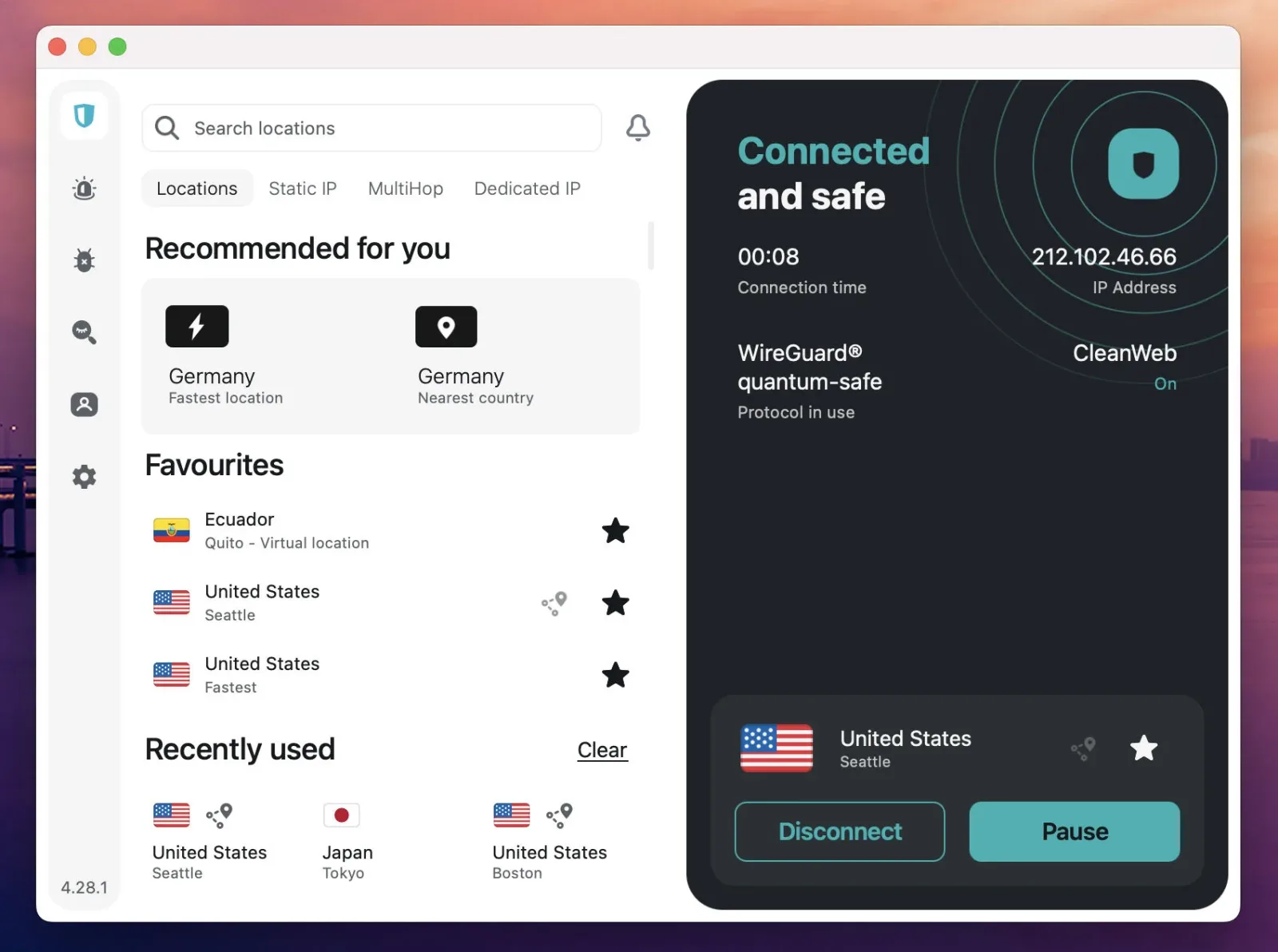
ExpressVPN is aimed at players who want fewer technical choices. Its application can be left on an automatic protocol setting, allowing the service to select the appropriate connection method. Its Lightway protocol is built for quick connections, and it applies obfuscation automatically. Obfuscation makes VPN traffic resemble ordinary web activity, which can be valuable on school, office, campus, or hotel networks that attempt to block VPN use.
Performance on nearby servers is competitive with NordVPN, and ExpressVPN is also positioned as a steady choice when a connection is busy with other activity. Its simple region switching is useful for players who legitimately need to join a different regional game server, though users should still read a game's rules before changing regions.
Console support is among ExpressVPN's major advantages. Players can install it on a compatible router, use the company's Aircove router with the VPN integrated, or configure its MediaStreamer Smart DNS service. MediaStreamer includes console setup guidance, but it has the same limitation as other Smart DNS tools: it can help with regional detection but does not mask an IP address against DDoS attempts.
The Basic plan covers 10 devices and is listed at $2.99 per month on a two-year offer that includes four additional months. It includes a 30-day refund window.
Surfshark: Best for large households
Surfshark's main distinction is simple: it does not impose a device limit on its plans. That makes it attractive for a household with multiple gaming PCs, a VPN-enabled router serving a console, a Steam Deck, phones, tablets, and the usual assortment of connected devices. Rather than counting seats, everyone can use the same subscription.
Nearby-server performance is designed to stay close to the leading options, even if the most latency-sensitive competitive players may prefer to test NordVPN or ExpressVPN first. For typical multiplayer use, the difference is likely to be less meaningful than selecting the correct server location and ensuring no major downloads are consuming bandwidth.
Surfshark's Bypasser tool provides split tunneling, allowing specific applications to skip the VPN. Players should think carefully about how to use this. Keeping the game itself inside the VPN is necessary for IP masking, while routing unrelated apps outside it can reduce congestion. The service also provides Smart DNS and router support for consoles, plus a Dedicated IP option for people frustrated by repeated CAPTCHA checks on shared VPN addresses.
The Starter plan is listed from $2.49 per month, while the One plan adds antivirus protection for roughly 30 cents more per month. The practical draw remains the unlimited-device policy.
How to use a VPN on PS5, Xbox, and Nintendo Switch
PlayStation 5, Xbox Series X|S, and Nintendo Switch systems do not natively run standard VPN applications. Console players therefore need the VPN active on another device in the chain. A VPN-capable router is the cleanest solution because it can protect every device connected to that network. A Windows PC can also share its active VPN connection with a console through Ethernet or a mobile hotspot.
Smart DNS is easier to configure on many consoles, and NordVPN, ExpressVPN, and Surfshark offer it. But players should understand the compromise. Smart DNS can change regional behavior for compatible services, yet it does not hide the user's actual IP address and cannot offer VPN-level DDoS protection.
Free VPNs and account-rule considerations
Most free VPNs are a poor match for online gaming. Their servers are often overcrowded, which creates the sudden ping spikes that are far more disruptive than a small, stable latency increase. Data caps are another major problem when games and updates consume enormous amounts of bandwidth. Proton VPN's no-cap, ad-free free tier is the notable exception, though its automatically selected country limits control over routing.
Using a VPN is not inherently banned by Steam, PlayStation Network, or Xbox. Still, changing regions to purchase games from a less expensive store can violate platform terms. Joining a permitted regional server and attempting to exploit regional pricing are not the same thing, and players should check the relevant platform rules before making account or storefront changes.
For most players, NordVPN is the best balanced gaming choice thanks to low added latency, strong distant-server performance, and helpful features such as Meshnet and Smart DNS. Proton VPN is the specialist pick for private server hosts and for anyone seeking a credible free tier. ExpressVPN prioritizes ease of use and restrictive-network access, while Surfshark is the economical answer for a device-heavy home. The right choice ultimately depends less on promises of lower ping and more on the player's server location, hardware, privacy needs, and number of devices.

Community
Discussion
Start the conversation.
No comments have been posted yet.