

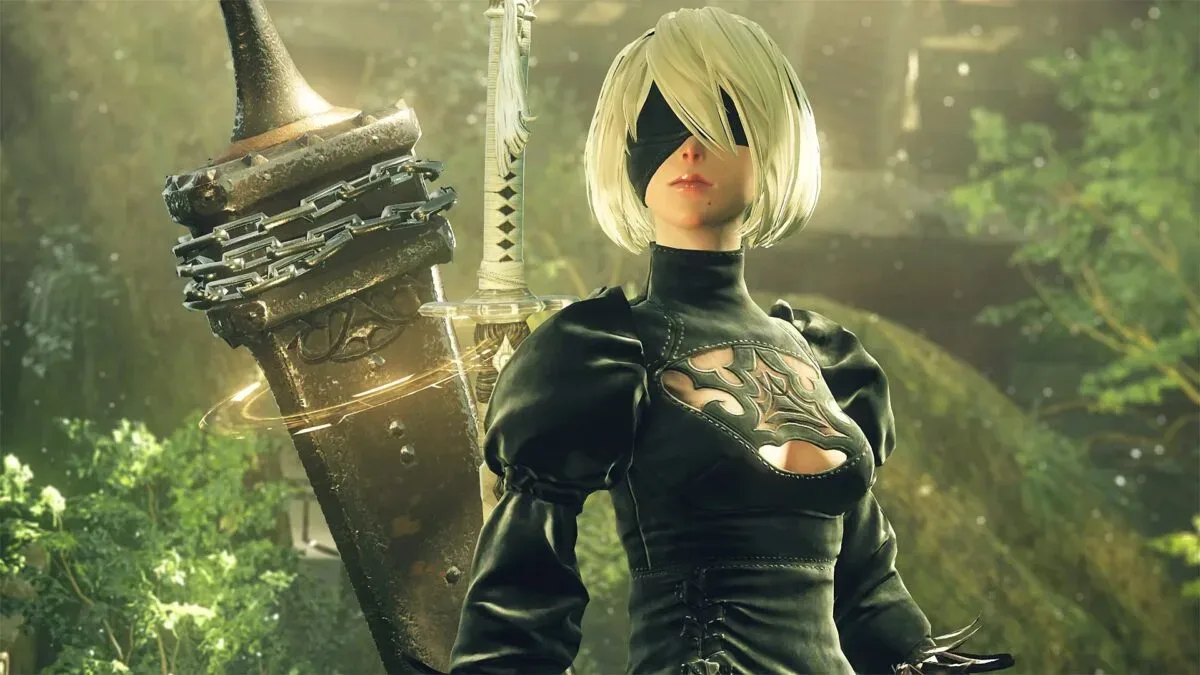
Some NieR: Automata players on Steam have encountered a spectacularly inconvenient update problem: an installation that would ordinarily occupy less than 50GB of disk space can suddenly demand 366GB. The issue surfaced this week after a required update began prompting affected users for an enormous amount of free storage, making a routine return to the celebrated action RPG unexpectedly difficult for anyone with a tightly managed SSD.
Square Enix has acknowledged the problem and said it is investigating the cause. In the meantime, the publisher has offered a temporary workaround through Steam's DLC settings. Players can download the main game by opening its Steam properties, navigating to the DLC section, and unchecking the DLC entries.
That solution may get the base game running again, but it is understandably less helpful for people who were actively using the affected downloadable content. It also does not answer the central question: how did a game with a usual install size below 50GB wind up requesting more than seven times that amount of storage?
Embedded X/Twitter post
A 366GB request for a game that should be far smaller
Storage requirements have become a familiar concern for PC players. Large modern releases can take up well over 100GB, and those figures can climb further once high-resolution texture packs, multiple language options, expansions, or repeated patch data enter the equation. But 366GB is still an extraordinary request for NieR: Automata, particularly given its historically much smaller footprint.
For useful background on this topic, read The Expanse: Osiris Reborn Recasts Male Captain and Updates Default Face.
For comparison, the reported requirement is not merely a large patch. It is larger than the total capacity of many entry-level internal SSDs, and it can be difficult to accommodate even on systems with bigger drives already filled with operating system files, other games, media, and work applications. A player with a 500GB drive may technically have enough capacity in some circumstances, but clearing hundreds of gigabytes for one update is a major disruption rather than a normal bit of maintenance.
The unusually high figure quickly drew frustrated reactions from Steam users. One player with more than 100 hours in the game described a fresh installation reaching 366GB and argued that individual YoRHa Edition DLC items appeared to be taking up the same amount of space as the main game. Another user suggested that language files should be separated into an optional language-pack download rather than being handled in a way that inflates the total installation. A more joking response boiled the situation down to an enormous storage cost for spending time with protagonist 2B.
While the reactions vary from exasperation to humor, the practical issue is the same. Players who cannot free the required storage are blocked from installing or updating the game in its affected configuration.
The current workaround: disable DLC in Steam
Square Enix's current advice is straightforward, even if it is only temporary. Steam allows users to manage a game's add-on content through its properties menu. For players affected by the oversized download, the recommended path is to open Properties for NieR: Automata in the Steam library, select DLC, and uncheck the DLC items before downloading the main game.
This approach appears intended to prevent the problematic content from being included in the immediate installation. It is an important option for users who primarily want access to the core game and do not have hundreds of gigabytes available to spare. It also provides a way to avoid deleting a substantial part of an existing PC library just to satisfy an apparent installation error.
However, it comes with an obvious limitation. If a player was in the middle of content tied to the DLC, or specifically purchased the YoRHa Edition content to use it, disabling it is not a satisfying long-term answer. The workaround is best viewed as a stopgap until the underlying issue is identified and corrected.
Anyone changing DLC selections should also take care with their local setup. The published workaround concerns download behavior and does not establish what will happen with every possible save state, mod configuration, or DLC-dependent play session. Players with important local files may wish to ensure their saves are safely synchronized or backed up before making broader changes to installations and content selections.
What may be causing the unusually large install?
No confirmed technical explanation has been provided yet. That uncertainty matters, because a 366GB request could potentially arise from several different kinds of packaging or distribution mistakes. The information available does not establish which one occurred here.
One possibility raised by player observations is unnecessary duplication. If separate DLC packages were mistakenly configured to include files that overlap with the base game, Steam could be instructed to download multiple copies of very large archives. Another possibility is that optional content such as localization assets was bundled or referenced incorrectly. Multiple language tracks, text resources, and related files can increase a game's size, though the reported jump is so extreme that players are questioning whether files are being repeated rather than merely added.
There are also other broad possibilities in PC game deployment, including incorrectly generated depots, patch manifests pointing to the wrong content, or compressed packages being handled improperly during an update. None of those explanations has been confirmed for NieR: Automata. Until Square Enix completes its investigation, players should avoid treating any particular theory as fact.
The encouraging part is that there is no indication that this is the result of malware being added to the update. The present issue is one of storage and installation behavior, not a report of malicious files. That distinction will be a relief to players, although it does not make a 366GB download any easier to manage.
Why problems like this are especially disruptive on Steam
PC game updates do not always require only the final amount of disk space shown on a store page. Depending on the game and its patching method, an update can require room for new files, existing files, temporary decompression data, verification processes, or replacement archives. Even a valid patch can therefore ask for more free space than its eventual installed size.
But the situation affecting NieR: Automata goes beyond that familiar inconvenience because the reported requirement itself has ballooned far above the game's expected footprint. The temporary DLC workaround further suggests that add-on content is central to the issue, though it does not on its own prove precisely how the excess space is being created.
This is particularly frustrating for a long-running game such as NieR: Automata. Many owners may not keep it permanently installed. They might return for another ending, revisit a favorite sequence, test a new Steam Deck or PC setup, or finally begin content they had previously set aside. A mandatory update that turns that return into a large-scale drive cleanup can halt that momentum immediately.
It also highlights the value of transparent storage information. Players can make informed decisions when they know a game's expected size, what each optional pack contains, and whether language files or expansions can be installed separately. When an update appears to behave outside those expectations, a clear acknowledgment and practical mitigation steps become essential.
What affected players can do now
Until a permanent fix arrives, the most practical response is to check the DLC settings before committing to a huge download. Players who only need the main game can use the published Steam workaround and leave the DLC unchecked. Those who need the add-on content may have to wait for further guidance rather than immediately clearing out hundreds of gigabytes of data.
- Check NieR: Automata's required space before starting or resuming the download.
- Open Steam's Properties menu for the game and review the DLC tab.
- Uncheck DLC to download the main game as a temporary workaround.
- Avoid assuming that the 366GB figure is normal or necessary for the game.
- Keep an eye on official updates from Square Enix while the investigation continues.
- Consider backing up important local saves before making major installation changes.
Players should not feel compelled to buy a new SSD solely because of this issue, especially while the cause remains under investigation and the base game can reportedly be downloaded by disabling DLC. Additional storage is often useful for a PC gaming library, but it should be a personal upgrade decision, not an emergency response to what appears to be an abnormal update configuration.
A fix is needed for the full experience
NieR: Automata remains a major PC action RPG with a dedicated audience, and its content should not require extraordinary storage management to access. Square Enix's acknowledgment and workaround are meaningful first steps, but the affected DLC needs a proper correction so owners can install the edition and content they expect without confronting a 366GB requirement.
For now, the best route for affected Steam users is to separate the base game from the DLC through Steam's settings, preserve available disk space where possible, and wait for the investigation to clarify what went wrong. The strange update has created an outsized obstacle, but it appears to be a deployment issue that can be addressed rather than a new normal for NieR: Automata's PC installation size.
Community
Discussion
Start the conversation.
No comments have been posted yet.