

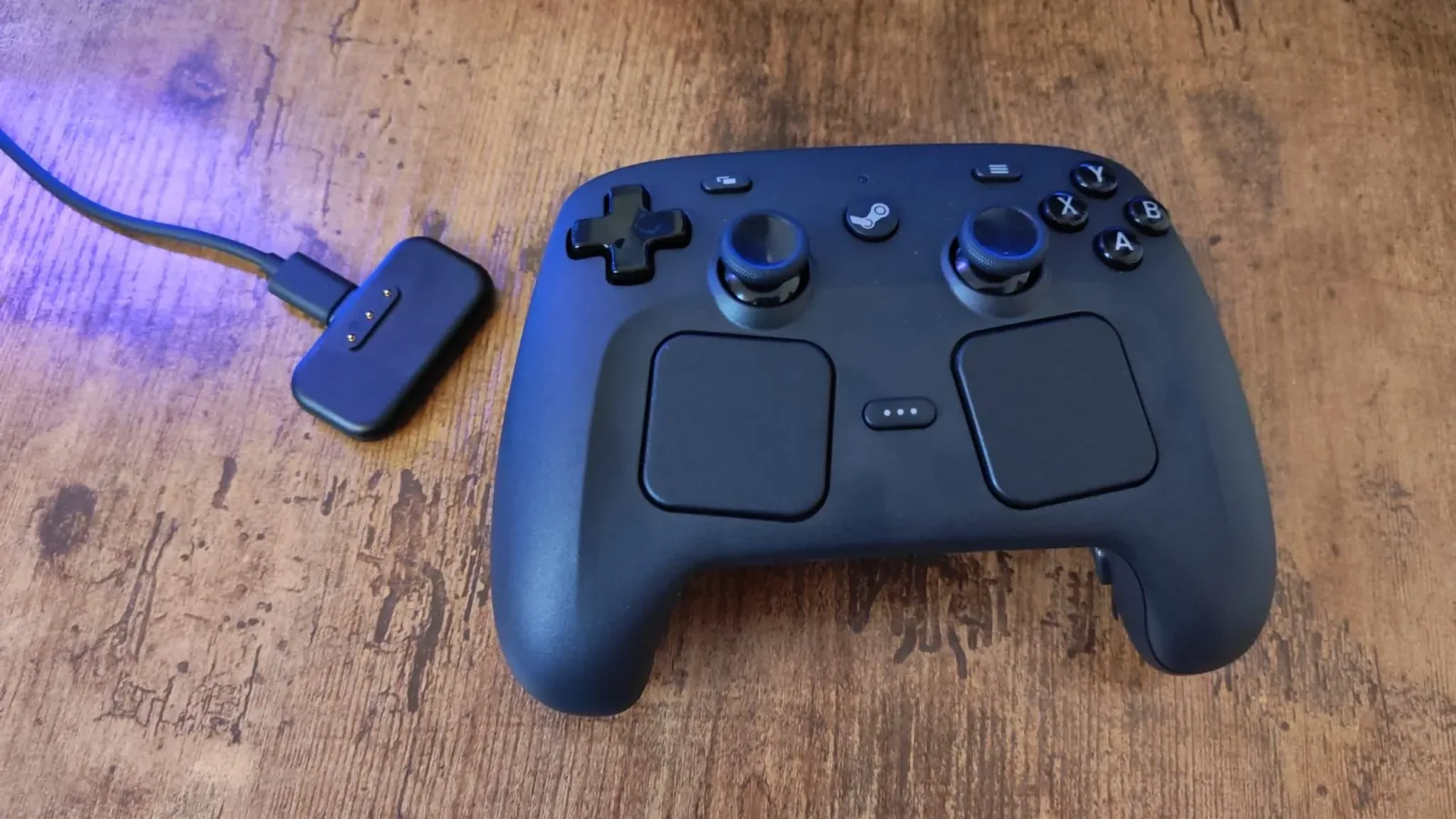
The Steam Controller has emerged as one of 2026's most distinctive gamepads, not because it tries to imitate a conventional console pad more closely, but because it makes a PC easier to use away from a desk. Its central idea remains unusually practical: put mouse-like control, keyboard access, controller inputs, and deep remapping tools into a device that can live on the sofa.
That makes it a compelling piece of hardware for a very particular audience. Players with a living-room PC, a mini PC attached to a television, or a Steam-focused couch setup can get substantially more from it than they would from a standard controller. It can also open up genres that traditionally assume a mouse and keyboard are always within reach, including strategy games, management titles, city builders, and older PC releases with patchy or nonexistent controller support.
However, the same traits that make the Steam Controller special can make it a poor match for other buyers. Anyone pursuing the lowest possible input latency, genre-specific competitive advantages, crisp microswitch face buttons, or simple profiles that persist across every game has numerous alternatives to consider. With holiday deal season approaching, that distinction matters even more: lower prices may be more common among rival controllers than on Valve hardware.
The question is therefore not simply whether the Steam Controller is a good controller. It is. The important question is whether its unusual blend of trackpads, custom controls, and PC navigation solves the problem a buyer actually has.
For useful background on this topic, read Call It a Day Brings Chaotic Renovation Co-Op to PC in 2027 as Steam to Electric Debuts Train Trailer.
The Steam Controller's biggest strength is couch PC control
The clearest recommendation is for PC players who game away from a desk. A traditional controller works beautifully once a game has launched and fully supports a gamepad, but the wider Windows experience often remains awkward from the sofa. Moving a cursor, dealing with a launcher, opening a settings menu, typing a search, or clicking through a desktop prompt can mean reaching for a separate mouse and keyboard.
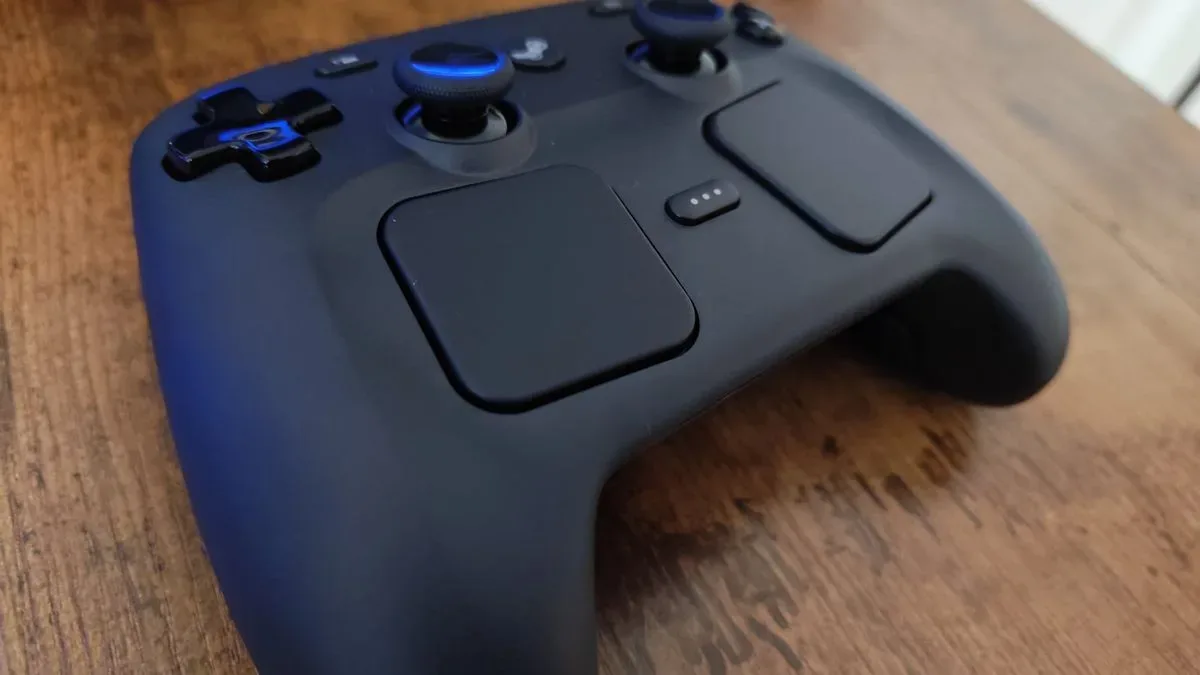
The Steam Controller is designed to reduce that friction. Its right trackpad behaves much like a laptop trackpad, allowing players to guide a cursor directly with a thumb. The left trackpad can be used to scroll through pages and menus, while the trigger can act as a click. Shortcuts can call up a virtual keyboard or other assigned functions without turning a comfortable living-room session into a trip back to the desk.
That convenience should not be underestimated. A couch PC setup stops feeling like a desktop that happens to be connected to a television and starts behaving more like a console experience. Instead of assembling several wireless peripherals, users can handle a surprising number of routine tasks with one device.
There is still a capable conventional controller underneath those PC-oriented features. The pad includes TMR thumbsticks, four rear buttons, and haptic feedback. TMR technology is especially relevant for players concerned about stick drift, while the rear inputs offer more room for custom commands. It will not replace a dedicated mouse and keyboard in every situation, but it is among the most practical ways to navigate a PC when sitting several feet from the screen.
A strong fit for mouse-and-keyboard-first games
The other major reason to consider the Steam Controller is Steam Input. PC gaming has an enormous library built around keyboard-and-mouse assumptions, and plenty of those games never received satisfying native gamepad support. A standard pad can leave players wrestling with awkward cursor emulation or missing commands. Valve's controller is better positioned to bridge that gap.
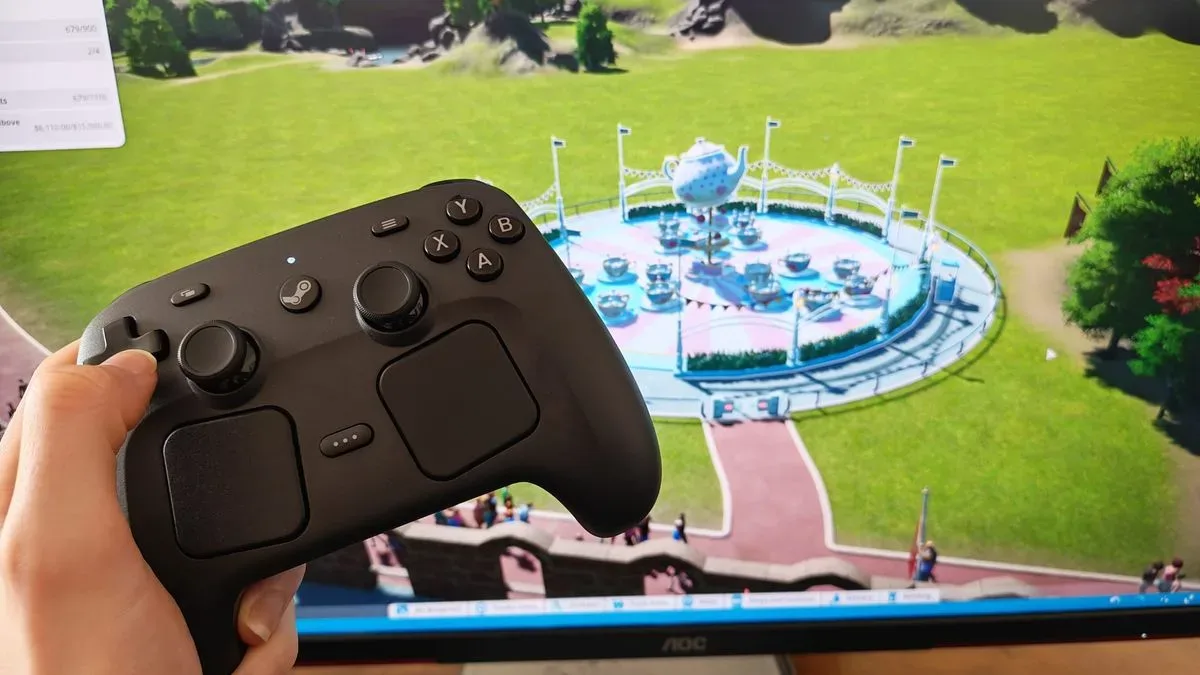
City builders and simulation games are obvious examples. Titles such as Planet Coaster and Planet Zoo ask players to point, select, scroll, place, and navigate dense menus. Real-time strategy games can have similarly demanding control requirements. The trackpads give users a more natural route to cursor-based interactions than an analog stick, while Steam Input can translate keyboard commands to buttons, triggers, pads, and rear inputs.
Older PC games are another potentially valuable use case. Compatibility and controller support can be inconsistent in older releases, even when the game itself remains popular. Assassin's Creed 2, for example, can be tricky to use on Steam because of its controller-support limitations. Community-made Steam Input configurations can help get a playable layout in place quickly, rather than forcing the player to build every command from scratch.
That community element is a major part of the Steam Controller proposition. A good shared configuration can turn a difficult game into a relaxed couch experience in minutes. It also means the controller is not limited solely by the layout Valve chose at the factory. Players can experiment, download an existing approach, and refine individual assignments as they learn what works.
Why waiting for a discount may not be the best plan
Holiday promotions are often a good time to buy controllers, but prospective Steam Controller buyers should temper expectations about major price cuts. Valve has faced a difficult year involving hardware stock, pricing, and data leaks, factors that make a significant Black Friday discount far from certain.
This does not mean buyers should rush into a purchase at any price. Rather, it means those whose primary goal is a bargain may be better served by surveying the wider controller market. Xbox, PlayStation 5, PC, and Switch 2-compatible pads are likely to receive more conventional Black Friday and Cyber Monday treatment, particularly models from accessory specialists.
The Steam Controller is worth paying attention to when its distinctive functions are the reason for the purchase. If the intended use is couch navigation and flexible PC remapping, a deal is a bonus rather than the core argument. If price is the deciding factor, the seasonal market will probably offer more aggressive alternatives.
Competitive players may want a faster specialist pad
Not every controller purchase is about versatility. Players focused on competitive shooters, fighting games, racing games, or another specific genre may prioritize responsiveness, grip shape, stick placement, trigger behavior, and button feel over trackpad-based flexibility. In those circumstances, the Steam Controller's 250Hz polling rate is an important limitation.
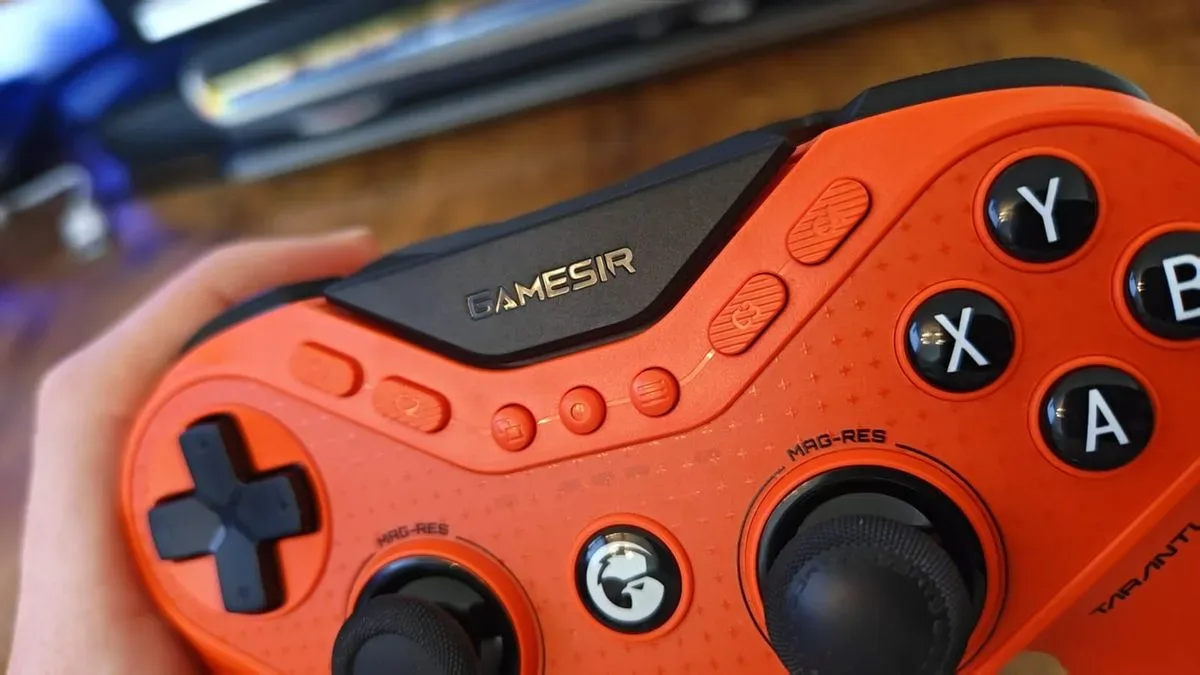
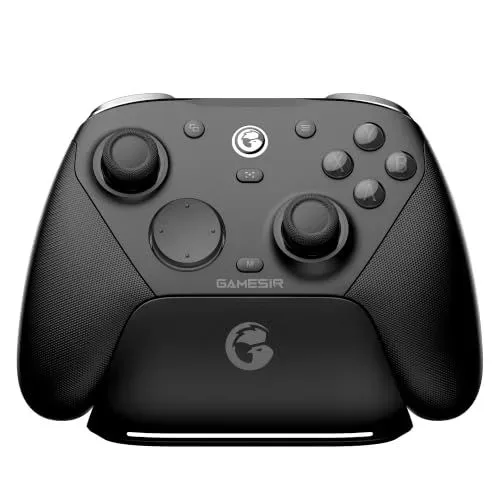
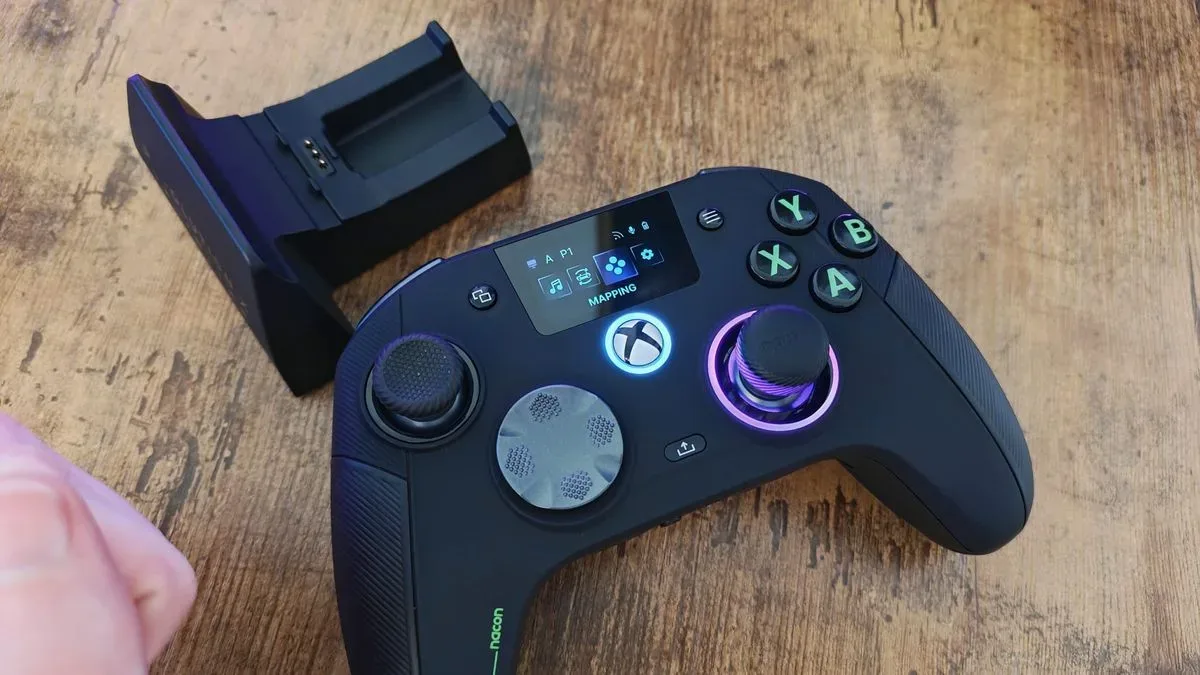
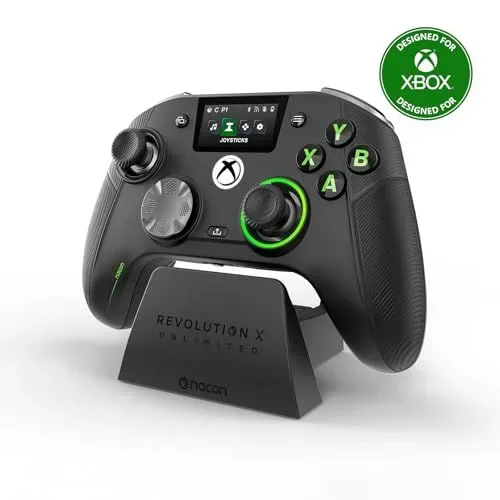
Polling rate describes how often a controller reports its inputs. A higher figure is often sought by players who want the lowest possible latency and the most immediate-feeling response. Several modern alternatives advertise considerably higher numbers. The GameSir G7 Pro 8K and GameSir Tarantula 8K are examples of controllers aimed at that market, while the officially licensed Nacon Revolution X Unlimited offers a 1,000Hz polling rate.
For someone accustomed to high-performance hardware, 250Hz may feel comparatively sluggish. That does not erase the Steam Controller's strengths, but it makes the device less compelling as a purpose-built esports or tournament-minded option. The GameSir G7 Pro 8K is a particularly relevant alternative for players seeking a more traditional shape, asymmetrical thumbsticks, and high polling performance; an all-black version has also joined its lineup.
Comfort is equally subjective. Some users will appreciate the Steam Controller's distinctive layout, while others will simply want the familiar ergonomics of analog sticks placed where their hands expect them to be. A specialist gamepad can be the smarter investment if most playtime centers on one competitive genre and the player already has a keyboard and mouse handy for desktop tasks.
Button preference can rule it out
Face-button construction has become an increasingly important buying criterion in premium controllers. Many players specifically seek microswitch buttons for their fast, audible, tactile click. Others prefer the softer, more familiar feel of membrane buttons. The Steam Controller will not automatically satisfy shoppers in the first group.
Buyers who place clicky, highly responsive buttons near the top of their wish list should examine options such as the Razer Wolverine V3 Pro and Asus ROG Raikiri II. The Nacon RXU is another premium-minded choice notable for combining responsive buttons with a comfortable feel. Its rear buttons are also particularly easy to actuate, which can matter for players who rely heavily on extra inputs during action-heavy games.
This is not an area where specifications alone settle the matter. Button travel, resistance, sound, and shape are intensely personal. But it is better to identify this preference before buying than to assume every premium PC controller delivers the same tactile experience.
Profile setup is the Steam Controller's most persistent inconvenience
The price of deep customization is administration. Steam Input can be powerful, but configuring the Steam Controller game by game can become tiring. Rear-button assignments may need to be created or selected again when moving to a new title, and there is no onboard memory designed to carry a preferred set of profiles across every game automatically.
That can be especially frustrating for players who use nearly identical back-button assignments in most of their library. A standard pro controller often provides a small set of onboard profiles, allowing users to save mappings directly to the hardware and retain them regardless of which game is running. For a player who values consistency above experimentation, that simpler approach has real appeal.
Community configurations lessen the burden, particularly for popular releases, but they do not remove it. The Steam Controller rewards players willing to tinker. It is less ideal for someone who wants to take a controller from the box, map a few buttons once, and never think about profiles again.
Verdict: buy for flexibility, not for every feature race
The Steam Controller is an excellent purchase for a PC player building a sofa-based setup or looking to bring mouse-and-keyboard-designed games into a handheld controller format. Its trackpads, Steam Input flexibility, TMR sticks, rear buttons, and desktop-navigation strengths create a package that conventional pads do not truly duplicate.
It is not the universal best choice, though. Buyers chasing major holiday savings, ultra-high polling rates, genre-focused competitive features, microswitch-style buttons, or hassle-free persistent profiles should compare alternatives before committing. The best controller is the one that removes the most friction from the way a person actually plays.
For the player who wants a PC to feel more console-like from the couch, the Steam Controller deserves a place near the top of the shortlist. For everyone else, the busy holiday controller market offers plenty of reasons to shop around.
Community
Discussion
Start the conversation.
No comments have been posted yet.